 SchedPilot
Buffer vs Later in 2026: Which Scheduler Actually Fits Your Workflow?
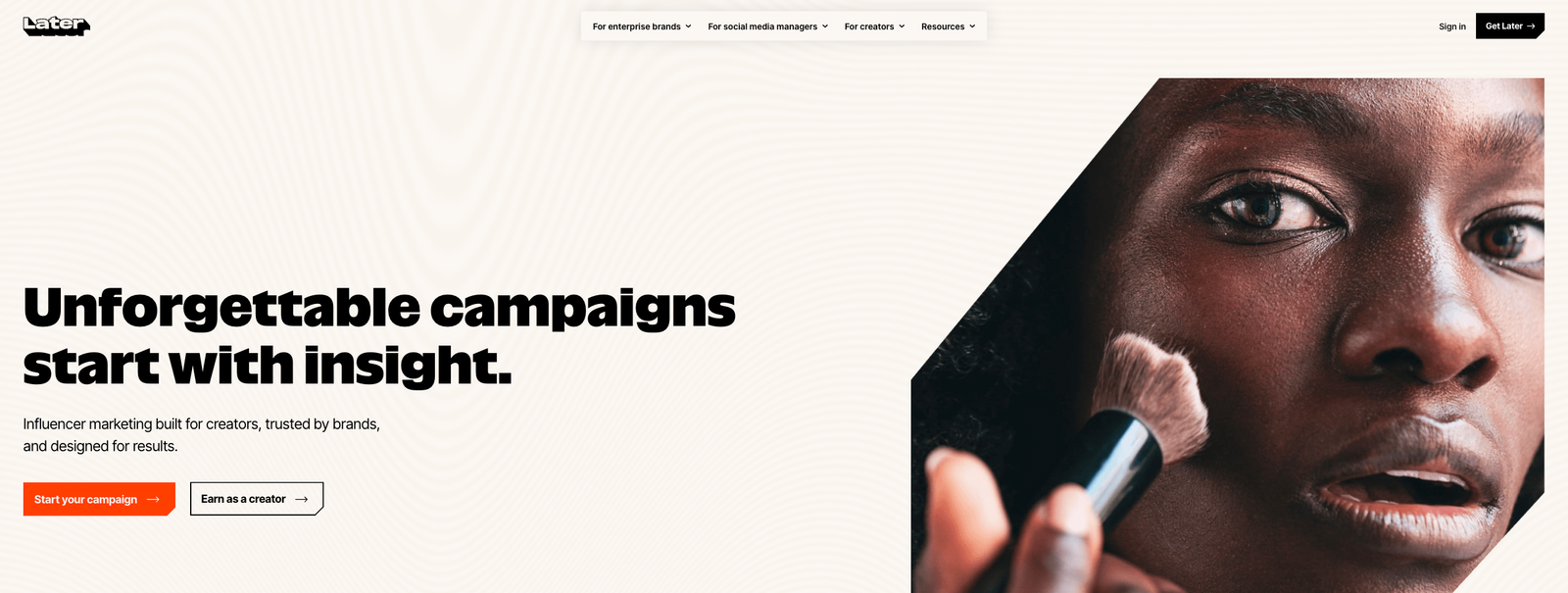
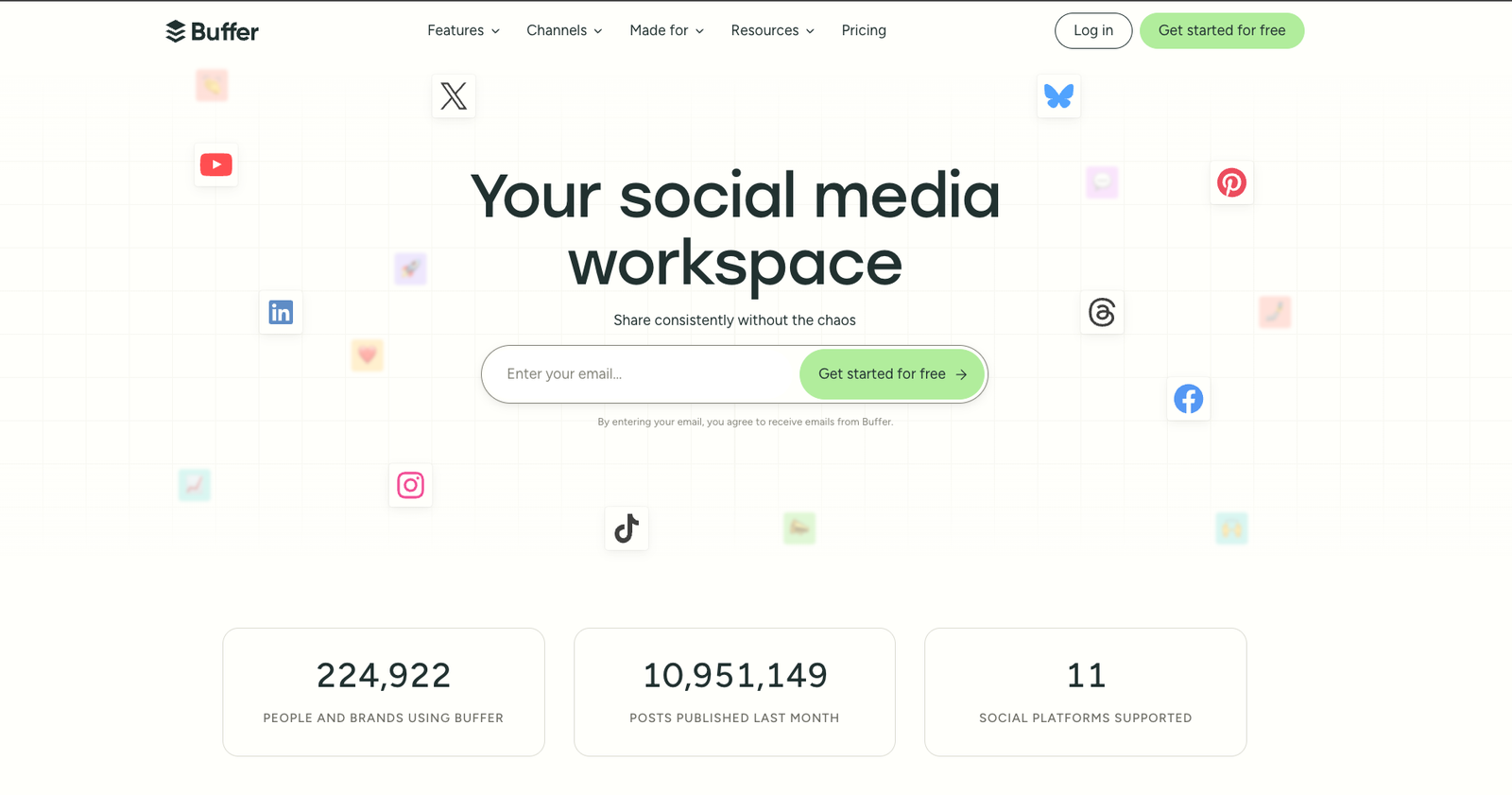
Buffer and Later are two of the most popular social media schedulers in 2026, and they take fundamentally different approaches. Buffer is the minimalist queue-and-post tool with per-channel pricing. Later is the visual-first Instagram planner with a grid preview and shoppable link-in-bio.
Most articles comparing the two bury the answer. Here’s the short version upfront: Buffer wins on multi-platform simplicity and cost for most users. Later wins specifically for Instagram-first brands where visual planning matters. If you’re mainly on Instagram and visual consistency is your whole thing, Later. If you post across 3+ platforms and want the simplest workflow, Buffer.
Try SchedPilot for free
Free trial · No upfront payment · 10+ platforms
Post on 10 platforms at once. Great for influencers, marketers, agencies.
Below is the full side-by-side breakdown so you can confirm which one fits your situation — plus a transparent note on where our own tool, SchedPilot, fits (and where it doesn’t).
Full disclosure: SchedPilot is our product. We’ll mention it once, briefly, in the section where it genuinely makes sense as an option. The rest of this article is an honest side-by-side of Buffer and Later.
Table of contents
- Quick verdict: Buffer vs Later at a glance
- Pricing comparison (with real 2026 numbers)
- Feature-by-feature comparison
- Platform support: which tools connect where
- User experience and interface
- Analytics and reporting
- Who should choose Buffer
- Who should choose Later
- When neither one is the right answer
- How to switch between the two
- Frequently Asked Questions
Quick verdict: Buffer vs Later at a glance {#verdict}
| Category | Winner |
|---|---|
| Price (entry-level) | Buffer ($6/channel vs $16.67/mo) |
| Instagram visual planning | Later (no contest) |
| Multi-platform support | Buffer (more platforms, transparent pricing) |
| Free plan | Buffer (permanent free for 3 channels; Later’s is more limited) |
| Team collaboration | Buffer (cleaner per-user pricing) |
| Link-in-bio tool | Later (Linkin.bio is more mature than Buffer’s Start Page) |
| Analytics depth | Tie (both basic — neither replaces a real analytics tool) |
| UI simplicity | Buffer (faster learning curve) |
| TikTok direct publishing | Both support it well |
| Best overall for most users | Buffer |
| Best for Instagram-obsessed creators | Later |
Pricing comparison (with real 2026 numbers) {#pricing}
Here’s what each tool actually costs right now — not marketing-page numbers, real totals including what you’ll pay for normal use:
Buffer pricing (per-channel model)
| Plan | Monthly cost | What you get |
|---|---|---|
| Free | $0 | 3 channels, 10 scheduled posts per channel |
| Essentials | $6/channel/month | 1 channel, unlimited scheduling, AI assistant, landing page |
| Team | $12/channel/month | Unlimited users, collaboration, draft approvals |
| Agency | $120/month | 10 channels included, client management features |
How Buffer charges: You pay per “channel” (one channel = one connected social account). So 5 channels on Essentials = $30/month. This gets simple but can stack up if you manage many platforms.
Later pricing (subscription tier model)
| Plan | Monthly cost (annual) | Monthly cost (monthly) | What you get |
|---|---|---|---|
| Starter | $16.67/mo | $25/mo | 1 social set, 30 posts/profile/month, 1 user |
| Growth | $30/mo | $45/mo | 3 social sets, unlimited posts, 3 users |
| Advanced | $53.33/mo | $80/mo | 6 social sets, unlimited posts, 6 users |
| Agency | Custom | Custom | 15+ social sets, unlimited users |
How Later charges: You pay for “social sets” — one social set includes one of each supported platform (1 Instagram + 1 Facebook + 1 TikTok + etc.). If you run 3 Instagram accounts, you need 3 social sets.
Real cost scenarios
| Use case | Buffer cost | Later cost | Winner |
|---|---|---|---|
| Solo creator, 1 Instagram | $6/mo | $16.67/mo | Buffer |
| Solo creator, 3 platforms (IG + TikTok + LinkedIn) | $18/mo | $16.67/mo | Later |
| Brand with 5 platforms | $30/mo | $16.67/mo | Later |
| Agency with 3 clients (1 IG each) | $18/mo | $30/mo (Growth) | Buffer |
| Agency with 3 clients (4 platforms each) | $72/mo | $30/mo (Growth) | Later |
| Small team, 4 platforms, 2 users | $24 + $24 = $48/mo | $30/mo (Growth) | Later |
The “winner” flips based on your channel count per brand. Buffer wins when channels per brand are low. Later wins when channels per brand are high.
Feature-by-feature comparison {#features}
| Feature | Buffer | Later |
|---|---|---|
| Post scheduling | ✓ Unlimited (paid) | ✓ Unlimited (Growth+) |
| Visual grid preview for Instagram | Basic | ✓ Drag-and-drop, best in class |
| Content calendar | ✓ List & calendar view | ✓ Visual calendar |
| AI caption assistant | ✓ Built-in | ✓ Built-in |
| Link-in-bio tool | Start Page (basic) | ✓ Linkin.bio (shoppable) |
| Hashtag suggestions | Basic | ✓ Advanced with trending data |
| Media library | Basic | ✓ Robust, taggable |
| First comment scheduling | ✓ | ✓ |
| Best time to post | ✓ | ✓ |
| TikTok direct publishing | ✓ | ✓ |
| Instagram Reels scheduling | ✓ | ✓ |
| Stories scheduling | ✓ | ✓ (push notification on some plans) |
| User-generated content sourcing | ✗ | ✓ |
| Team collaboration | ✓ Team plan | ✓ Growth plan+ |
| Draft approval workflows | ✓ Team plan | ✓ Advanced plan |
| Client management features | ✓ Agency plan | ✓ Agency plan |
| Analytics dashboard | ✓ | ✓ |
| Custom analytics reports | Basic PDF | PDF on Advanced+ |
| Social listening | ✗ | ✗ |
| Unified inbox (DMs, comments) | Limited (Engage feature) | ✗ |
| Mobile app | ✓ Excellent | ✓ Good |
Where Buffer wins on features
- Unified inbox (Engage feature) — reply to comments and DMs from one place
- Better mobile app — Buffer’s app is noticeably more polished
- More platforms supported — including Bluesky, Mastodon, and Google Business Profile (Later doesn’t have GBP)
- Start Page — works for any brand, not just Instagram
Where Later wins on features
- Visual grid preview — truly drag-and-drop, unmatched for Instagram-first brands
- Linkin.bio — shoppable landing page built from your Instagram posts, more mature than Buffer’s Start Page
- Media library — organized, taggable, built for visual content workflows
- UGC sourcing — easily find and credit user content
Platform support: which tool connects where
| Platform | Buffer | Later |
|---|---|---|
| ✓ | ✓ | |
| ✓ | ✓ | |
| Twitter / X | ✓ | ✓ |
| ✓ | ✓ | |
| TikTok | ✓ | ✓ |
| ✓ | ✓ | |
| YouTube | ✓ (Shorts) | ✓ (Shorts) |
| Threads | ✓ | ✓ |
| Bluesky | ✓ | ✗ |
| Mastodon | ✓ | ✗ |
| Google Business Profile | ✓ | ✗ |
| Snapchat | ✗ | ✓ |
| Shopify integration | ✓ | ✓ |
Buffer supports more platforms overall. If your marketing stack includes Google Business Profile (critical for local businesses), Bluesky, or Mastodon, Later isn’t an option — Buffer is your only choice between these two.
Later supports Snapchat, which Buffer doesn’t. For brands where Snapchat matters, this matters.
User experience and interface
Buffer
Buffer’s interface is deliberately minimal. You see your queue, you add a post, you’re done. The learning curve is about 20 minutes. For users who don’t want to think about the software, this is ideal.
The queue system (Buffer’s original innovation) is still its strongest UX pattern. You set posting times for each platform, then drop posts into the queue and they fill the slots automatically. No calendar gymnastics.
Downsides: if you care about visual planning or want to see how posts will look next to each other on Instagram, Buffer’s interface won’t give you that.
Later
Later is built around the visual calendar. You drag image tiles onto a calendar date and see exactly how your feed will look when posts go live. For Instagram-heavy users, this is the entire product — and it’s excellent.
The learning curve is slightly steeper than Buffer because there’s more visual UI to navigate. But once you’re in, the workflow is fast and satisfying.
Downsides: for non-visual platforms (LinkedIn, Twitter), Later’s interface feels designed-for-someone-else. You can still schedule, but it doesn’t feel native.
Analytics and reporting
Honest truth: both Buffer’s and Later’s analytics are basic. Neither will replace a dedicated analytics tool like Sprout Social or Metricool.
Buffer analytics:
- Engagement, reach, clicks per post
- Audience growth over time
- Export to CSV (basic PDF reports on higher tiers)
- Landing page analytics (Start Page)
Later analytics:
- Engagement, reach, impressions per post
- Best time to post based on your data
- Hashtag performance
- Link-in-bio click tracking (major advantage for Instagram)
- PDF reports on Advanced plan+
Later wins on Instagram-specific analytics (especially the link-in-bio click data). Buffer wins on cross-platform analytics (it treats all platforms with equal detail; Later’s non-Instagram analytics feel thin).
For users who need deep analytics, neither is enough. You’d want Metricool, Sprout Social, or a dedicated analytics stack.
Who should choose Buffer
Buffer is the right pick if:
- You post to 3+ platforms and want a unified workflow. Buffer’s per-channel pricing rewards multi-platform users.
- You’re a solo creator or small team on a budget. The free tier covers 3 channels. The Essentials tier at $6/channel is the cheapest serious option in the market.
- You use Google Business Profile or Bluesky. Later doesn’t support these.
- You want the simplest possible tool. Buffer’s learning curve is the shortest in the category.
- You care about your mobile workflow. Buffer’s app is significantly better than Later’s.
- You want to reply to comments and DMs from one place. Buffer’s Engage feature handles this.
Who should choose Later
Later is the right pick if:
- Instagram is 70%+ of your strategy. Later was built for Instagram, and it shows in every feature.
- Visual consistency matters for your brand. Photographers, retail, beauty, food, lifestyle brands benefit from the grid preview.
- You use link-in-bio heavily. Linkin.bio is the most mature shoppable link-in-bio on the market.
- You source user-generated content. Later’s UGC tools save real time.
- You manage multiple social accounts per client. Later’s “social set” pricing can be cheaper than Buffer when channel counts are high.
- Snapchat is part of your mix. Buffer doesn’t support it.
When neither one is the right answer
Honest take: Buffer and Later are both solid, but neither is the universal right answer. Here’s when a third option makes more sense:
If you need unified inbox, social listening, and team workflows → Consider Agorapulse ($49/mo) or Sprout Social ($199/mo). Both Buffer and Later are thin on the customer-service side of social.
If deep analytics matter more than publishing UX → Metricool ($25/mo) is cheaper than Later and has better analytics than either.
If you’re posting to 5+ platforms and want flat pricing (no per-channel fees) → This is where our own tool SchedPilot fits. $9/month for unlimited platforms including Instagram, TikTok, LinkedIn, X, YouTube, Pinterest, Threads, Bluesky, and Facebook — no per-channel or per-account fees. Free trial, no credit card required.
If you’re running an agency with 10+ clients → SocialPilot ($30/mo for 10 accounts) or Sendible ($29/mo) are built for this use case in ways Buffer and Later aren’t.
If you’re technical and want full control → Postiz is open-source and free if you self-host.
Buffer and Later are both legitimately good. Just don’t default to them without checking whether your specific situation fits one of the cases above.
How to switch between the two
If you’re currently on one and considering the other, here’s the practical migration process:
1. Export your scheduled content. Both tools support CSV export of your queue. Do this first so you don’t lose anything.
2. Set up the new tool and connect accounts via OAuth. Never share social media passwords with any tool. Both Buffer and Later use OAuth — if any scheduler asks for your password directly, that’s a red flag.
3. Test with 5-10 posts before fully switching. Schedule posts in the new tool while the old one is still active. Verify they publish correctly on each platform.
4. Export your analytics history. Neither tool keeps historical data after cancellation. Download reports before you cancel.
5. Cancel the old subscription. Both tools offer prorated refunds on annual plans if you’re mid-cycle (Buffer) or credit toward future billing (Later). Check your specific terms.
6. Keep your social account connections safe. When you disconnect from a scheduler, don’t revoke the app from your Instagram/Facebook settings first — disconnect from within the scheduler itself to avoid orphaned permissions.
Total migration time: 2-3 days if done carefully. Don’t rush it.
Frequently Asked Questions
Is Buffer cheaper than Later?
Usually, yes — especially for single-channel users. Buffer’s entry-level Essentials plan is $6/month for one channel. Later’s Starter plan is $16.67/month (annual) with one “social set.” However, once you pass 3-4 channels per brand, Later’s flat pricing can become cheaper than Buffer’s per-channel model.
Does Later have a free plan in 2026?
Later no longer offers a traditional free plan — the free tier was significantly reduced in 2023. What’s left is more of a limited trial (one social set, very low post limit). For a real free option, Buffer’s free plan (3 channels, 10 posts per channel) is more generous.
Which is better for Instagram: Buffer or Later?
Later, by a wide margin. Later was built around Instagram from day one — visual grid preview, drag-and-drop planning, mature link-in-bio (Linkin.bio), user-generated content tools. Buffer posts to Instagram fine but doesn’t match Later’s Instagram-first workflow.
Which supports more social platforms?
Buffer. It supports Instagram, Facebook, X/Twitter, LinkedIn, TikTok, Pinterest, YouTube Shorts, Threads, Bluesky, Mastodon, and Google Business Profile. Later supports fewer platforms but includes Snapchat (which Buffer doesn’t).
Can Buffer or Later post to Google Business Profile?
Buffer can. Later cannot. If Google Business Profile is part of your marketing stack (critical for local businesses), Later is not an option between these two.
Does Buffer or Later include a unified inbox?
Buffer has a limited unified inbox (Engage feature) that lets you reply to comments and DMs from one place. Later does not. For social customer service, Buffer is better between these two — though dedicated tools like Agorapulse do it much better than either.
Which one has a better mobile app?
Buffer. The mobile app is well-maintained and full-featured. Later’s mobile app works but feels less polished and is missing some features that exist on desktop.
Can you schedule TikTok posts with both?
Yes, both support direct TikTok publishing via TikTok’s official API. Neither requires push-notification reminders (which older tools still use as a workaround).
Which is better for agencies?
Depends on client count and channels per client. For agencies with 3-10 clients who each use 3-5 platforms, Later’s Growth plan ($30/month) is usually cheaper than the equivalent Buffer setup. For agencies with many single-platform clients, Buffer’s per-channel pricing can be cheaper. Tools purpose-built for agencies (SocialPilot, Sendible) are often a better fit than either at scale.
Do Buffer and Later offer free trials?
Buffer has a permanent free plan (3 channels, 10 posts per channel) — no trial needed, just use it. Later has a 14-day free trial on paid plans. Both support annual billing at ~20% discount.
Which has better analytics?
Tie — both are basic. Later has better Instagram-specific analytics (particularly link-in-bio click tracking). Buffer has more consistent analytics across all platforms. For deep analytics, neither replaces a tool like Metricool or Sprout Social.
Can I use Buffer and Later together?
Technically yes, but it’s usually overcomplicating your workflow. If you find yourself considering this, you probably need a different single tool (like Metricool for analytics-heavy users, or a purpose-built agency tool).
Try SchedPilot for free
Free trial · No upfront payment · 10+ platforms
Post on 10 platforms at once. Great for influencers, marketers, agencies.
The bottom line
Choose Buffer if: you post to 3+ platforms, you want the simplest workflow, you’re on a budget, or you need platforms like Google Business Profile or Bluesky that Later doesn’t support.
Choose Later if: Instagram is the center of your strategy, visual consistency matters for your brand, or you rely heavily on shoppable link-in-bio.
Look elsewhere if: you need deep analytics (Metricool), unified inbox and team workflows (Agorapulse), agency-scale client management (SocialPilot or Sendible), or flat multi-platform pricing without per-channel fees (SchedPilot).
Neither tool is universally “better” — they solve different problems. Pick based on which problem you actually have.
Related posts
Agorapulse alternatives: what are the best 8 alternatives ?
August 28, 2026
The 10 Best Planable Alternatives in 2026 (Honest Comparison)
April 23, 2026
10 Best Sprinklr Alternatives in 2026 (Now That Self-Serve Is Gone)
April 23, 2026
10 Best Social Media Management Tools for Restaurants in 2026
March 31, 2026