Schedule YouTube Shorts

Turn Short Clips into Long-term Growth

Take your channel from zero to trending. With SchedPilot, planning, publishing, and amplifying your YouTube Shorts is as easy as hitting that subscribe button — helping you connect with fans and grow your community.

Get started for free →
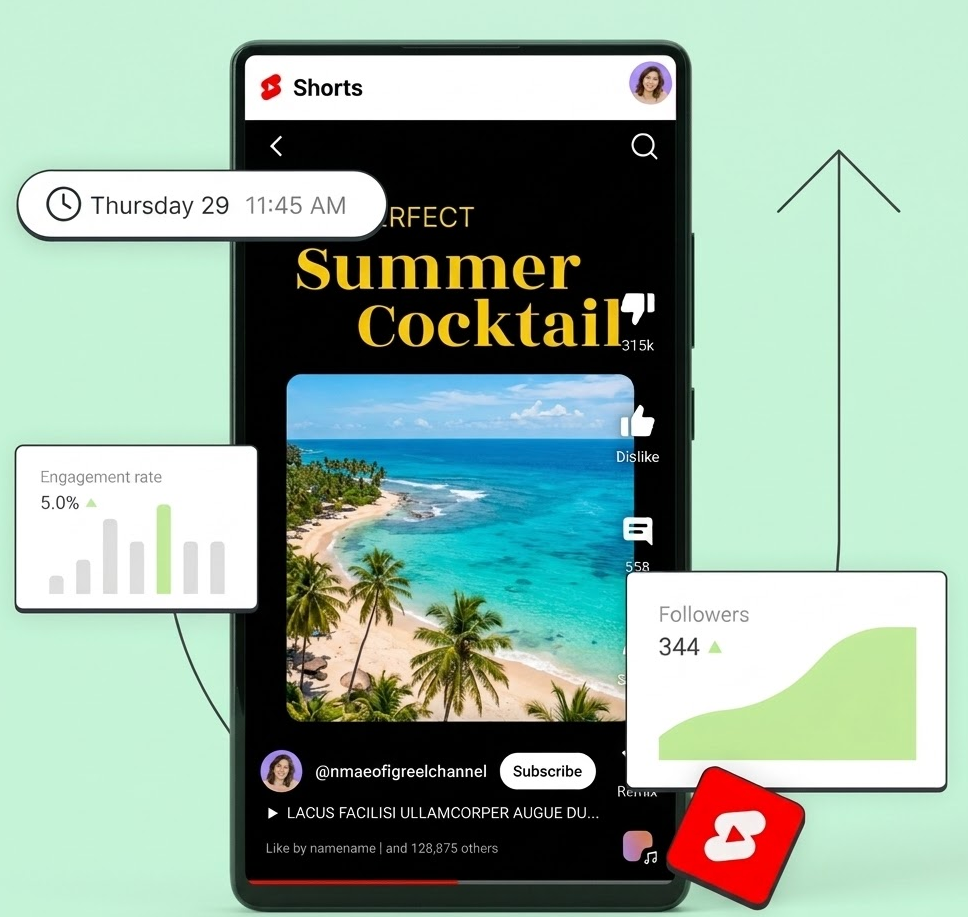
Shorts Mockup

Master Your Post Cadence

Craft an unbeatable release schedule for Shorts and standard videos with zero stress. Plan months of content in minutes to command channel growth on autopilot.

Unleash Your Content Factory

Never lose another golden idea. SchedPilot's AI suite captures and refines your thoughts—generating new concepts and polishing scripts instantly.

Explode Your Reach Instantly

Stop manually posting everywhere. Instantly amplify your video reach across YouTube, TikTok, Instagram, and Facebook in one single click. Maximum impact, minimum effort.

Your Brand's Nerve Center

Transform followers into fans. Launch a personalized Start Page—a single link for your videos and merch that updates itself in real-time with every new upload.

YouTube Scheduling FAQ

SchedPilot supports full scheduling for both YouTube Shorts and standard long-form videos. You can upload, add metadata, and set your premiere or publish time in advance.

It’s seamless! Simply upload your vertical video (9:16 aspect ratio), add your title and tags, and select your time slot. SchedPilot handles the API delivery directly to YouTube so your Short goes live exactly when your audience is most active.

We track views, likes, comments, and subscriber growth. SchedPilot also provides "Best Time to Post" insights specifically for your YouTube audience to maximize your reach.

Yes! Whether you run one brand or a dozen, SchedPilot allows you to connect and toggle between multiple YouTube channels from a single dashboard.

Absolutely. Our built-in AI Assistant can generate SEO-optimized titles, descriptions, and tag suggestions based on your video content to help you rank higher in search.

Just create a free SchedPilot account, connect your YouTube channel in the "Channels" tab, and click "Create Post." You’ll be live in minutes!

Grow your social presence with the best tool for creating content

Schedule posts, find your best time to publish, and keep your calendar full, without the chaos. SchedPilot makes consistency simple across every channel.

Start for free

Free trial available. Cancel anytime.