 SchedPilot
11 best social media collaboration tools to simplify agency and marketing team work (2026)
I’ve spent the better part of a decade watching marketing teams dissolve into puddles of caffeine-induced tears because someone forgot to “CC” the legal department on a tweet about a discount. You know the vibe. It is Tuesday at 3:00 PM, the client is screaming about a typo in an Instagram carousel, and your designer has gone AWOL in a Slack thread.
Btw that thread hasn’t been updated since 2024. Collaboration isn’t just a buzzword but it’s the difference between a high-performing agency and a group of adults shouting into a digital void.
Collaborative social media has never been easier than now with all the tools available for agencies, influencers and marketing teams. Social media collaboration is easier than ever, so lets explore these tools in depth.
Managing social media feels like trying to fix a jet engine while the plane is doing barrel rolls over a volcano. You need more than just a calendar; you need a war room. I bet your current stack is just a messy Google Sheet and a prayer. That means you are essentially building a skyscraper on a foundation of damp cardboard.
Free trial · No upfront payment · 10+ platforms
Try SchedPilot for free
Post on 10 platforms at once. Great for influencers, marketers, agencies.
Let’s get into the guts of the best collaboration tools that actually keep the gears turning without the standard-issue mental breakdown.
How we evaluated these social collaboration tools
Every tool was assessed and checked on the criteria that matter most for agencies and teams managing content at scale:
- Approval workflows — depth of review stages, role-based permissions, client-facing access
- Collaboration features — real-time feedback, internal notes, comment threading
- Multi-brand / multi-account management — workspace separation, scalability
- Scheduling and publishing — supported platforms, bulk scheduling, calendar views
- Analytics and reporting — white-label options, exportable data, campaign-level metrics
- Pricing scalability — cost per user or workspace as team size grows
1. SchedPilot: The High-Octane Control Center
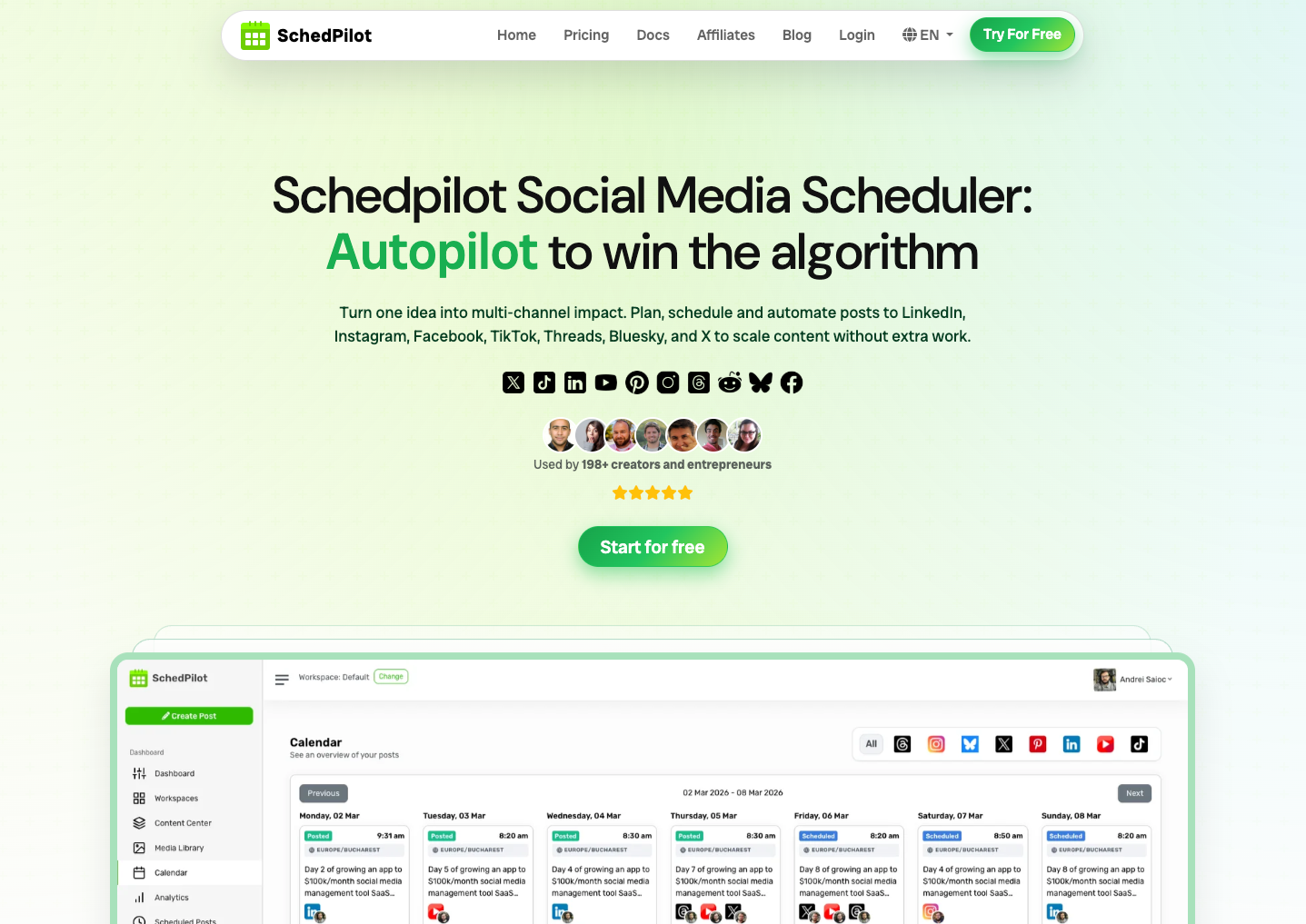
SchedPilot enters the arena like a developer who just found the perfect dark mode theme. This social media collaboration platform doesn’t just hold your hand; it automates the tedious rituals that usually kill your creativity by noon. I once saw an intern try to manual-post to fourteen accounts simultaneously; let’s just say the “undo” button wasn’t fast enough to save his dignity. SchedPilot fixes this by creating a unified workspace where approvals aren’t buried in a thread of “Is this okay?” messages.
Key Features
-
AI-Driven Content Architect: Generates hooks that actually sound human, not like a blender reading a manual.
-
Unified Approval Engine: Clients can green-light posts with one click without needing to create yet another account they’ll forget the password to.
-
Multi-Platform Visual Grid: See exactly how your aesthetic holds up across the fragmented hellscape of modern social apps.
-
Smart Queue Logic: Automatically fills gaps in your schedule based on when your audience is actually awake and scrolling.
Pros
-
Drastically reduces the “feedback loop of death” between agencies and clients.
-
Interface is cleaner than a fresh install of Linux.
-
Pricing doesn’t require a venture capital injection to be viable for small teams.
Cons
-
The AI can sometimes get a bit too enthusiastic with the emojis if you don’t reel it in.
-
Mobile app is solid but lacks the surgical precision of the desktop version.
2. Sprout Social: The Enterprise Titan
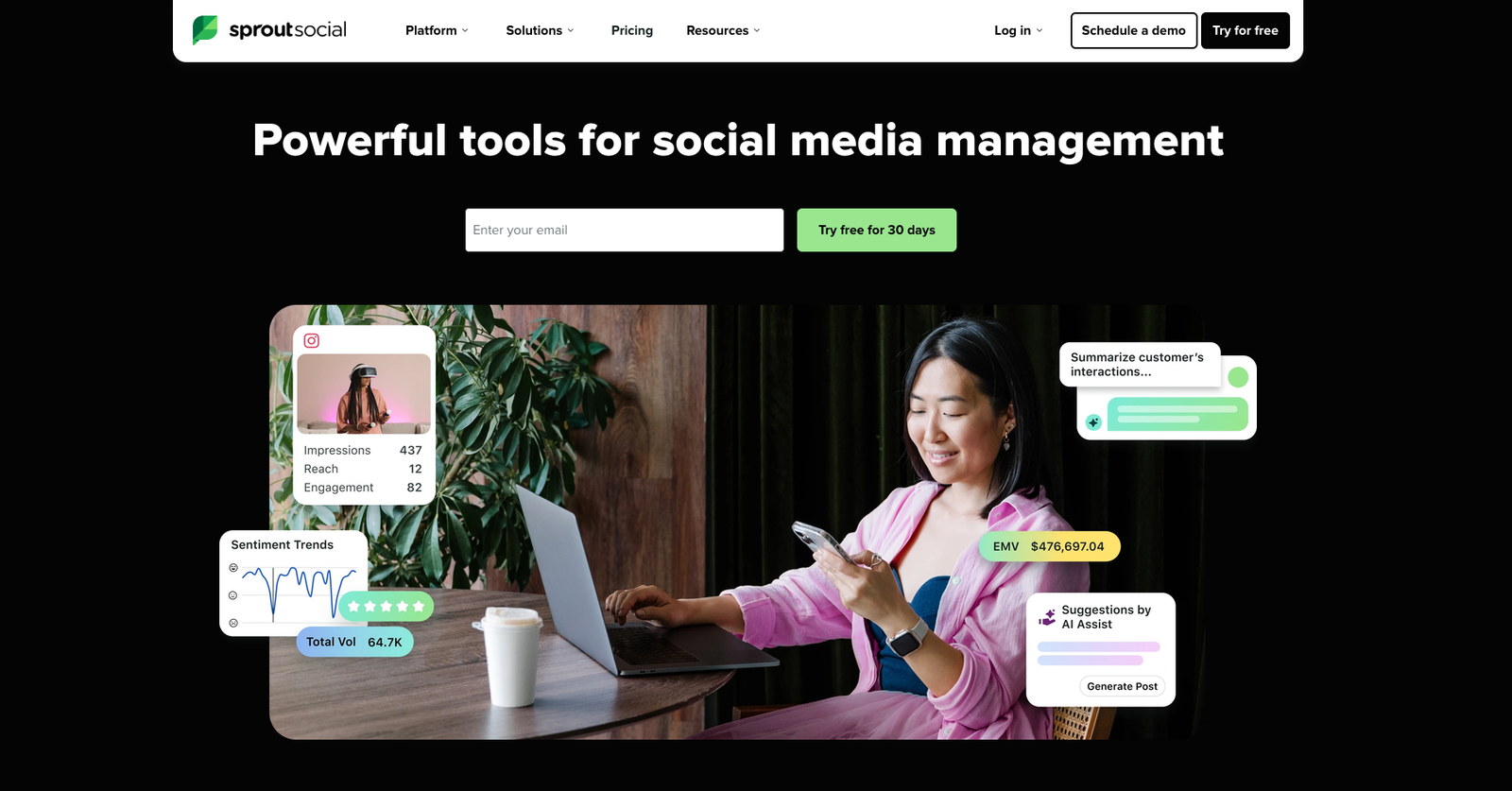
If you have a budget that looks like a small nation’s GDP, Sprout Social is the social collaboration software of your dreams. It is built for teams that treat social media like a high-stakes chess match rather than a hobby. I’ve seen enterprise teams use this to manage thousands of mentions, and honestly, the listening tools are so good they’re almost creepy. It is the tool you buy when you’ve graduated from “posting memes” to “managing brand sentiment for a Fortune 500.”
Key Features
-
Smart Inbox: Consolidates every DM and mention into a single stream that doesn’t feel like a digital assault.
-
Advanced Social Listening: Tracks what people say about your brand in the dark corners of the internet.
-
Boardroom-Ready Reporting: Generates PDFs so pretty your CMO might actually read them.
-
Collision Detection: Prevents two people from responding to the same customer and looking like idiots.
Pros
-
The most robust analytics suite in the known universe.
-
Customer support that actually answers the phone (unheard of, right?).
-
Seamless CRM integrations for teams that actually care about sales.
Cons
-
The price tag will make your accountant’s eye twitch.
-
Feature creep is real; you’ll spend weeks learning tools you’ll never use.
3. Hootsuite: The Resilient Veteran
Hootsuite is the grandfather of social media collaboration tools, having survived every API change and platform death since the dawn of the hashtag. Is it the sexiest tool on the market? No, but it’s a tank. It handles the heavy lifting of bulk scheduling without flinching, making it a staple for those who have been in the trenches since 2008.
Key Features
-
OwlyWriter AI: A content assistant that helps break through the “blank screen syndrome” during 2:00 AM crunch sessions.
-
Streams: Custom dashboards that allow you to monitor specific hashtags or competitors with surgical focus.
-
Employee Advocacy: Tools to get your coworkers to actually share company news for once.
-
Bulk Composer: Upload hundreds of posts at once via CSV because life is too short for manual entries.
Pros
-
Supports almost every platform that hasn’t been shut down yet.
-
Huge library of integrations with things like Canva and Dropbox.
-
Reliability is its middle name.
Cons
-
The user interface feels like a relic from the early 2010s.
-
Getting high-tier features requires a “Team” plan that gets pricey fast.
4. Loomly: The Workflow Wizard
Loomly is for the teams that value logic and structure over flashy bells and whistles. It’s a collaborative platform that feels like it was designed by someone who actually had to manage a brand before they started coding. The “Post Ideas” feature is a lifesaver when your brain has turned to mush after a six-hour strategy meeting. Why guess what’s trending when the software can just tell you?
Key Features
-
Automated Post Optimization: Gives you tips on how to fix your captions before you embarrass yourself.
-
Custom Approval Workflows: Define exactly who needs to sign off on what, preventing “accidental” rogue posts.
-
Centralized Asset Library: No more digging through Slack for that one high-res logo from three months ago.
-
Post Mockups: Shows you exactly how your content will look on mobile versus desktop.
Pros
-
Incredibly intuitive; you could train a golden retriever to use it in twenty minutes.
-
Very affordable for mid-sized teams that need high-level features.
-
Excellent calendar view for visual planners.
Cons
-
Social listening features are basic at best.
-
Native analytics aren’t deep enough for the real data nerds.
5. Buffer: The Minimalist’s Dream
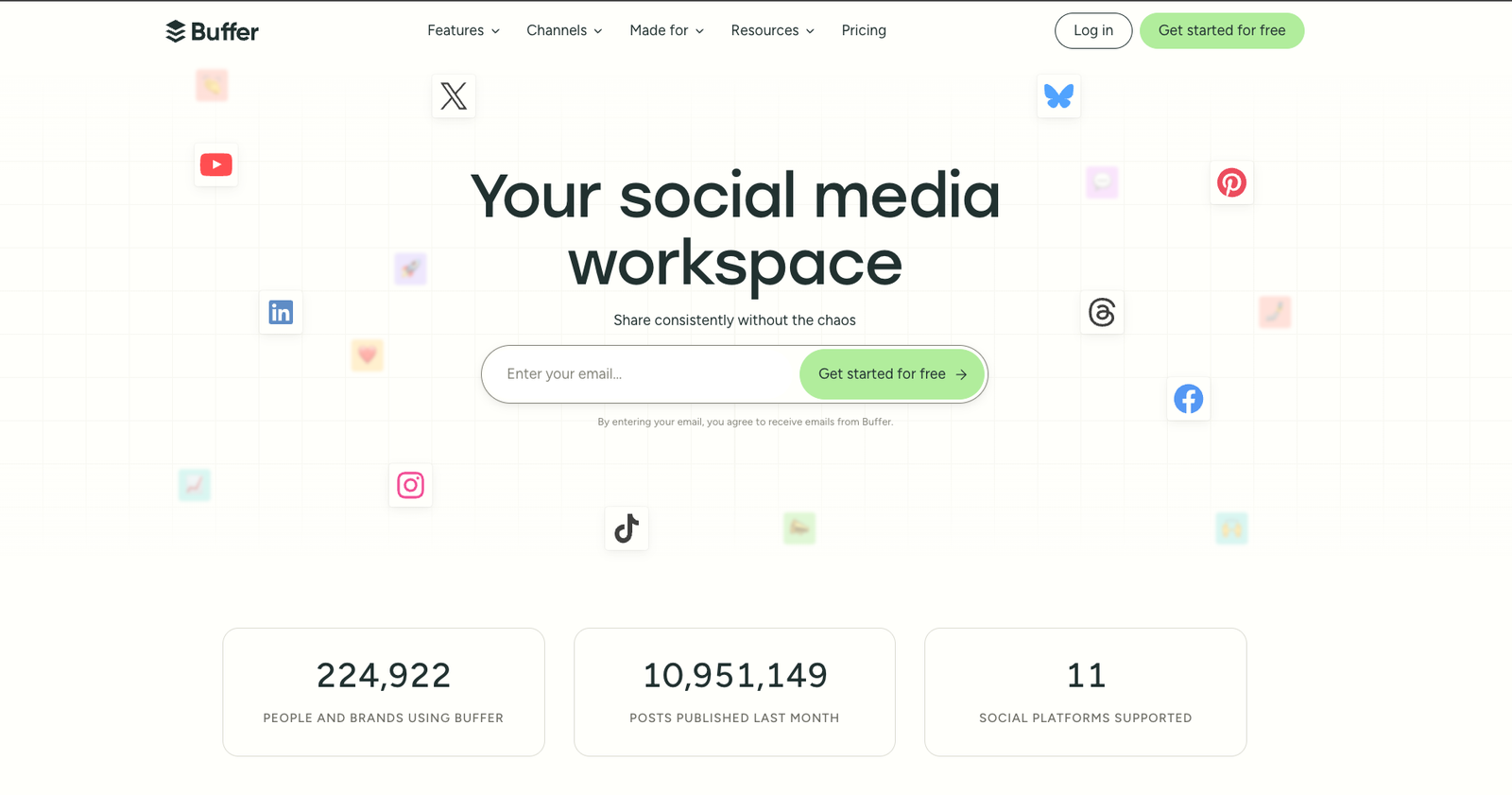
Sometimes you don’t need a Swiss Army knife; you just need a very sharp pair of scissors. Buffer is one of the best collaboration apps for teams that hate complexity and want to get back to their actual jobs. It focuses on the “publish and engage” cycle with a Zen-like simplicity that I honestly find refreshing in this over-engineered world. It doesn’t try to do everything, but what it does, it does with grace.
Key Features
-
Queue-Based Scheduling: Just drop your content in a bucket and let Buffer handle the timing.
-
Engagement Dashboard: A focused place to reply to comments without the distractions of the main feed.
-
Start Page: A simple landing page builder for your “link in bio” needs.
-
Drafting Collaboration: Team members can leave notes on drafts before they hit the queue.
Pros
-
The cleanest interface in the entire industry.
-
“Pay-per-channel” pricing is great for small brands.
-
Extremely fast learning curve.
Cons
-
Lacks the heavy-duty “listening” tools of bigger competitors.
-
The free version is so limited it’s basically just a demo.
6. CoSchedule: The Marketing Polymath
CoSchedule isn’t just a social tool; it’s a full-blown marketing calendar that happens to be an incredible social collaboration platform. It’s designed for the “T-shaped” marketer who handles blogs, emails, and social all at once. If your social media strategy is just one part of a giant content machine, this is your engine. I’ve seen teams migrate their entire project management into CoSchedule just to keep the “spaghetti code” of their workflows from tangling.
Key Features
-
Marketing Suite: Connects your social posts to actual project tasks and deadlines.
-
Headline Studio: Analyzes your titles to make sure they aren’t boring as dirt.
-
ReQueue: Automatically resharing your evergreen content so your feed never looks like a ghost town.
-
Task Templates: Standardize your process so every post follows the same rigorous quality check.
Pros
-
Unmatched visibility across all marketing channels.
-
Great for teams that struggle with project deadlines.
-
Robust AI writing assistance that actually understands context.
Cons
-
The full suite is expensive and can feel overwhelming.
-
Social-only users might find the extra features distracting.
7. Sendible: The Agency Workhorse
Sendible is built for the agency life—the kind where you’re managing forty clients and three of them are currently on fire. It is a social sharing tool that prioritizes client management and white-labeling. If you want your clients to think you built your own software, Sendible lets you slap your logo on the dashboard and look like a tech mogul. It’s about building trust while managing the chaos of a multi-client roster.
Key Features
-
White-Label Dashboards: Give your clients their own branded portal to approve content.
-
Priority Inbox: Filters out the noise and highlights the messages that actually need a human response.
-
Sentiment Analysis: Tells you if people are happy or if you should probably hide in a bunker for a few days.
-
Canva Integration: Edit graphics directly inside the post composer.
Pros
-
The best tool for managing high volumes of client accounts.
-
Strong reporting that can be automated and sent directly to clients.
-
Excellent bulk-upload and scheduling capabilities.
Cons
-
The mobile app feels a bit sluggish compared to the desktop version.
-
No native Pinterest support is a weirdly specific dealbreaker for some.
8. Later: The Visual Storyteller
Later started as an Instagram tool, and that DNA still runs through every line of code. It is one of the best online collaboration tools for brands that rely on “the vibe”—think fashion, travel, or food. If your team spends hours arguing over the placement of a single photo in a grid, Later is the therapist you didn’t know you needed. It turns the visual planning process from a chore into something almost therapeutic.
Key Features
-
Visual Planner: Drag and drop images onto a calendar to see exactly how your grid will look.
-
Linkin.bio: A highly customizable way to turn your Instagram feed into a shoppable experience.
-
Media Library: Tag and organize thousands of photos so you can find that one “sunset” shot in seconds.
-
Best Time to Post: Data-driven suggestions that aren’t just based on generic industry averages.
Pros
-
The gold standard for visual-first social platforms.
-
Very strong influencer marketing features for finding partners.
-
Easy-to-use “Media Hub” for team asset sharing.
Cons
-
Analytics for platforms other than Instagram can be a bit thin.
-
The pricing structure for extra users is frustratingly steep.
9. Agorapulse: The Reliability King
If you’ve ever had a post fail to go live and only found out because your boss sent you a “???” text at dinner, you need Agorapulse. This social collaboration platform is famous for its stability and its “zero inbox” philosophy. It’s the tool for people who take pride in clearing out every notification and comment before the end of the day. It’s fast, it’s sturdy, and it doesn’t crash when you try to upload a 4K video.
Key Features
-
Unified Social Inbox: Treat your social mentions like an email inbox that actually works.
-
Team Collision Detection: Real-time indicators showing when another team member is viewing a message.
-
Automated Inbox Rules: Set up filters to automatically delete spam or assign leads to sales.
-
Competitor Benchmarking: See exactly how much better (or worse) you’re doing than the guy across the street.
Pros
-
Incredibly fast and responsive interface.
-
Top-tier customer support that treats you like a human.
-
The most reliable publishing engine in the game.
Cons
-
The mobile app is missing some of the advanced reporting features.
-
Pricing scales quickly as you add more profiles.
10. HeyOrca: The Client Approval Specialist
HeyOrca was designed to solve one specific problem: the nightmare of client approvals. It is a social media collaboration tool that treats your client like an equal partner in the process. Instead of sending screenshots or messy spreadsheets, you send a “shareable link” that looks exactly like a real social feed. It’s about transparency and making the client feel like they’re in the driver’s seat without letting them touch the steering wheel.
Key Features
-
Visual Approval Links: Clients see the posts exactly as they will appear live.
-
Unlimited Users: Pay per calendar, not per person, which is a massive win for large teams.
-
Event Strips: Plan “campaigns” rather than just individual posts for better storytelling.
-
In-Post Commenting: Keep the feedback where the content is, not in a separate email chain.
Pros
-
Eliminates the “I didn’t see that email” excuse once and for all.
-
Pricing is predictable and agency-friendly.
-
The calendar view is gorgeous and highly functional.
Cons
-
The reporting features are a bit basic for data-heavy agencies.
-
Lacks deeper social listening or community management tools.
11. Planable: The Real-Time Studio
Planable feels like a Google Doc but for social media. It’s a collaborative platform built for speed and real-time feedback. If your team is the type to “jam” on ideas and make changes up until the very last second, Planable provides the sandbox you need. It’s less about automation and more about the human element of creating content together.
Key Features
-
Four Viewing Modes: Switch between Feed, Calendar, Grid, and List views instantly.
-
One-Click Approvals: No complex workflows, just a big green button for the person in charge.
-
Universal Content Support: Plan everything from tweets to blog posts in one place.
-
Version History: See who changed that caption to something “edgy” and revert it immediately.
Pros
-
The most collaborative feel of any tool on this list.
-
Perfect for teams that value visual aesthetics and brand voice.
-
Very low friction for adding new team members.
Cons
-
Zero analytics. You’ll need a second tool for reporting.
-
No unified inbox for managing comments or DMs.
How to select the right social media collaboration tool
Finding the ideal social media collaboration tool depends on identifying where your current workflow falters—whether it’s approvals, volume, reporting, client access, or budget. Use the following benchmarks to align your requirements with the appropriate software.
Team Structure and Workflow Complexity
Assess your team structure and workflow complexity before committing. If your content requires a string of approvals from legal, brand, or executive stakeholders, a specialized tool like SchedPilot, Planable or Kontentino is more effective than a standard scheduler. Conversely, if only one or two people manage the output, Buffer or SocialPilot may be all you need.
Number of Accounts and Brands
The number of accounts and brands you manage should dictate your choice. Platforms such as Planable, SocialPilot, and Hootsuite are designed for high volume. If you are overseeing 10+ accounts across various clients, features like workspace organization and bulk publishing become essential.
Analytics Depth
Consider your need for analytics depth. If you are reporting to senior stakeholders or clients who demand granular data, Sprout Social or Hootsuite are the industry leaders. For teams with only basic analytics requirements, most other tools on this list will be sufficient.
Client-Facing Access
For agencies that require pre-publishing feedback, client-facing access is a non-negotiable feature. You should prioritize tools that offer guest access or dedicated portals. Planable and Kontentino excel here, allowing clients to review content without needing a full, paid account.
Budget
Your budget often determines the final decision. Schedpilot is the ultimate affordable buffer alternative. Buffer and SocialPilot provide core functionalities at a much lower price point than Hootsuite or Sprout Social. The deciding factor is whether the advanced analytics or social listening tools in those premium platforms justify the higher cost for your specific workflow.
Free trial · No upfront payment · 10+ platforms
Try SchedPilot for free
Post on 10 platforms at once. Great for influencers, marketers, agencies.
The Verdict on Teamwork
Choosing from the best collaboration tools isn’t about finding the one with the most icons on its landing page. It is about understanding the specific brand of chaos your team thrives in. Are you a data-driven enterprise or a visual-first boutique agency? Are you drowning in client emails or failing to stay consistent with your posting schedule? Your software should feel like a teammate, not a chore that requires a weekly therapy session to tolerate.
Legacy systems and “spaghetti” workflows are the silent killers of ROI. If you spend 80% of your time on “process” and only 20% on “creation,” you’ve already lost the game. Stop fighting your tools and start using a social collaboration platform that actually understands the stakes of modern marketing. Clean up your workflow, clear out your inbox, and for the love of everything holy, stop using Excel to plan your TikToks.