 SchedPilot
Can You See Who Views Your Instagram Profile? What You Can Actually See (2026)
TLDR: No you cant see who viewed your instagram profile. Instagram doesn’t show anyone a list of the people who visited their profile, and that’s true for personal, creator, and business accounts alike. Any app that promises you that is trying to trick you to signup.
A business account gets a number (say, 312 profile visits this week), but never the names behind it. Any app or website that promises those names is either guessing or after your password.
You wont find any app out there showing you this information, because its not publicly displayed or available through an API or something. But you can see other information: read below.
What you can see is more than most people realise, though, like:
- Story viewers
- Close Friends viewers
- Live viewers
- likes
- saves
- poll votes
and a handful of aggregate numbers in Insights add up to a fairly clear picture of who’s paying attention. This guide covers each one, how to read them, and how to clean up if you’ve already handed your login to a “profile viewer” app.
Try SchedPilot for free
Free trial · No upfront payment · 10+ platforms
Post on 10 platforms at once. Great for influencers, marketers, agencies.
What Instagram shows you, and what it keeps private
Here’s every place someone can look at your content, and whether you get names, a number, or nothing.
| Where they looked | Do you see who? | What you get | How long |
|---|---|---|---|
| Your profile page | No | A total visit count (professional accounts only) | Insights keeps roughly 90 days |
| Stories | Yes | Full viewer list, including non-followers if you’re public | 48 hours from posting |
| Close Friends Stories | Yes | Viewer list from your Close Friends only | 48 hours from posting |
| Highlights | Only inside the 48-hour window | The original Story’s viewers; after that, only a count | 48 hours from the original Story |
| Live videos | Yes, while you’re live | Who’s watching and who joined | During the broadcast |
| Feed posts and carousels | Only if they like or comment | Likes, comments; saves and shares as counts | Permanent |
| Reels | Only if they like or comment | View count, likes, comments, shares, saves | Permanent |
| Direct messages | Yes, with “Seen” | Read receipt (they can switch these off) | Per conversation |
| Your followers / following list | No | Nothing | n/a |
The pattern is simple. If someone does something (likes, comments, votes, replies, watches a Story), then Instagram tells you. If they just look, it doesn’t. Profile visits, scrolling your grid, and watching a Reel without touching it are all invisible.
This is a deliberate choice by Meta, and I’d bet it stays that way. Browsing without being seen is a big part of why people spend so long on the app. A visitor list would make everyone more cautious about tapping, which means less time in the app and fewer ad impressions. There have been occasional rumours and small tests reported over the years, but nothing has ever shipped to the public.
Your Story viewer list is the closest thing to a visitor log
If you want to know who’s actively keeping tabs on you, Stories are where to look. Every logged-in account that opens your Story lands on the list, in roughly the order Instagram thinks matters to you, and they can’t remove themselves afterwards.
To see it, open your active Story and tap Activity (or swipe up) at the bottom of the screen. For Stories that have already expired, go to your profile, tap the menu (three lines), open Archive, choose Stories archive, and open the Story. The names stay there until 48 hours after you posted it. After that you only see the total.
A few things people get wrong about it:
- It includes non-followers. If your account is public, anyone logged in who taps your Story shows up, not only people who follow you.
- The order isn’t strictly chronological, especially on longer lists. Instagram pushes people you interact with toward the top, so the first name isn’t necessarily the first person who watched.
- Highlights don’t give you a fresh list. A Story added to Highlights keeps its original 48-hour viewer window. Someone watching your “Travel” highlight next month won’t appear anywhere.
- Anonymous viewers don’t show up. People using a web-based story viewer or a trick to watch Stories anonymously are invisible to you, because their Instagram account never touched your Story.
So the list is reliable for what it shows, but it’s a floor, not a ceiling. Someone missing from it may still be watching.
What Insights tells you about profile visits
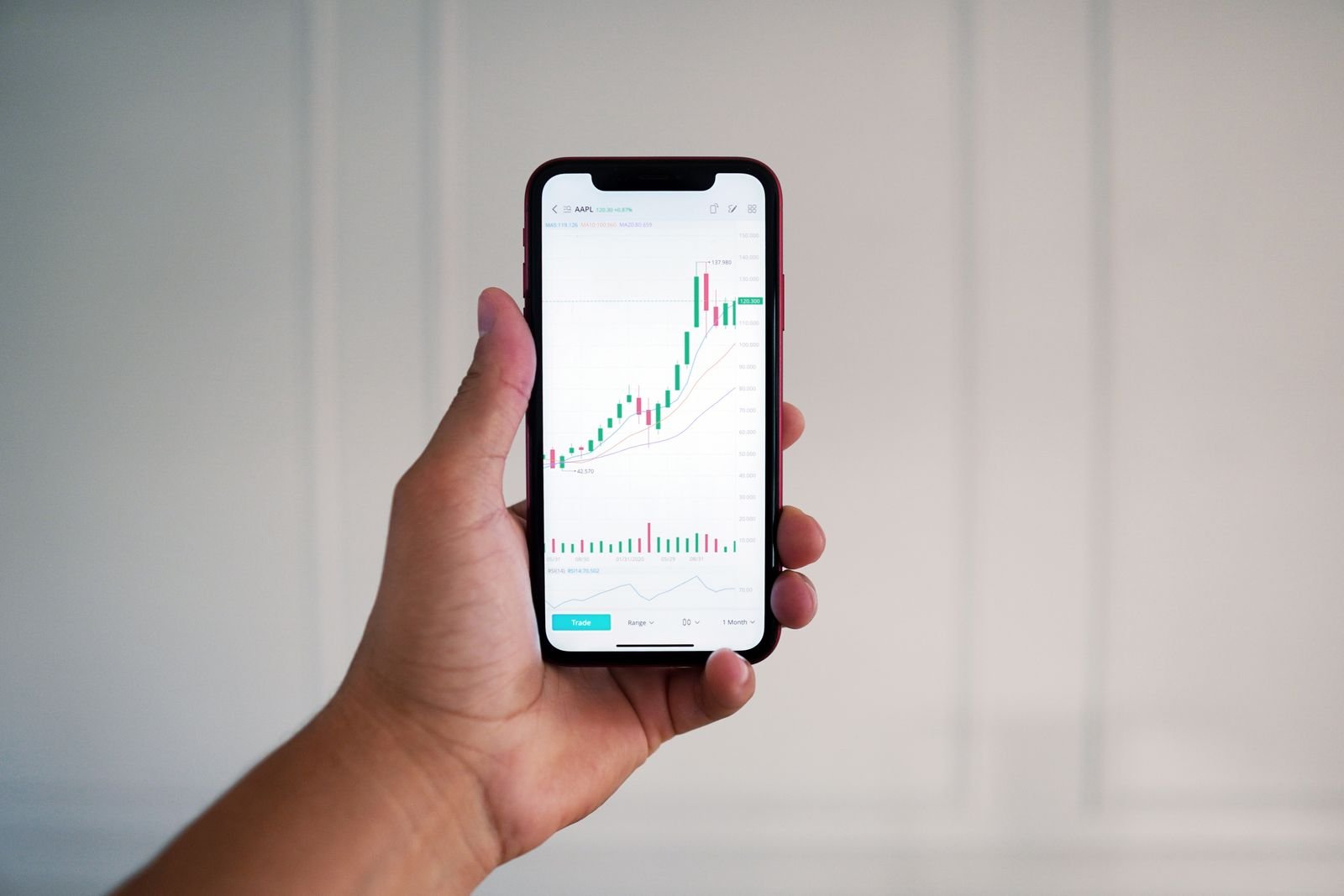
Switching to a professional account (Creator or Business) is free and takes about a minute: Settings and activity → Account type and tools → Switch to professional account. You don’t need a business, and you can switch back later, although you lose the Insights history when you do.
Once it’s on, tap Professional dashboard under your bio and then the insights overview. The profile numbers live under Profile activity (Instagram has moved this around a few times, and since spring 2026 Insights is organised into Overview, Engagement and Audience tabs, so you may need to tap through). You’ll find:
- Profile visits: how many times your profile was opened in the selected period.
- External link taps: taps on the link in your bio.
- Taps on your contact buttons (email, call, directions), if you’ve added them.
- Follower and non-follower split, plus the top cities, countries, age ranges and genders of your audience.
The default range is the last 30 days, and you can switch to 7 days or pick a custom window. Instagram only keeps about 90 days of data, so if you want long-term trends, write the numbers down monthly or use one of the Instagram analytics tools that store them for you.
The most useful thing to do with profile visits isn’t to guess who visited. It’s to work out which posts send people there. Open any post or Reel’s insights and look at its own “Profile activity” line. A Reel with 8,000 views and 15 profile visits entertained people and lost them. A Reel with 2,000 views and 140 profile visits made people curious about you, and that’s the one to make more of.
A sudden spike in profile visits with no matching post usually means someone shared your profile, tagged you, or a Story mention sent people over. Check your notifications and Story mentions from that day; it’s often traceable.
Signs a specific person is looking at your profile
You can’t confirm a single visit, but some behaviour gives people away.
The classic one is a like on a post from months ago. Nobody lands on a 40-week-old photo from their feed; they scrolled your grid to get there. Same with someone liking six posts in a row within a couple of minutes.
Consistent Story viewing is the other strong signal. Someone who doesn’t follow you (on a public account) but watches every Story within an hour of posting is almost certainly opening your profile on purpose, since your Stories don’t appear in their tray.
Weaker signals: they show up in your “Suggested for you” list, they start following accounts you recently tagged, or they reply to a Story with something that references an older post. Each of those has innocent explanations, so I wouldn’t read much into any one of them on its own.
If you want more people to leave a trace, give them something to tap. Poll and quiz stickers, the question box and emoji sliders all record the names of everyone who responds. People who’d never comment will happily vote in a “this or that” poll.
Comment likes leave a trace too. Here’s how to see who liked a comment. And if the attention you’re noticing feels unwanted rather than flattering, restricting the account quietly limits what they can do without tipping them off.
Why “who viewed my profile” apps don’t work
Instagram doesn’t give profile visitor data to anyone. It’s not in the public API that tools like SchedPilot use to schedule posts and pull analytics, and there’s no hidden endpoint for it either. An outside app has no source for the information, so it can’t show you real visitors. (Apps that let you view other people’s public profiles are a different thing. Those just display content that’s already public, and none of them can reveal who looked at your account.)
So where does the convincing list of names come from? Usually from your own account. Once you log in, the app reads your followers, the people you message most, and who likes your posts, then presents that as “your top profile stalkers.” It looks right because those really are the people closest to you. They’re just not a visitor log.
The cost of trying one can be high:
- Your password goes to whoever runs the app. Plenty of these exist only to harvest logins and resell accounts, or use them to send spam DMs and phishing links to your followers.
- Instagram’s terms ban automated access and third-party login sharing. Accounts flagged for it get action blocks, temporary locks, and in repeat cases suspension. If that’s already happened, our suspended account recovery guide walks through the appeal.
- Many lock the “results” behind a weekly subscription for data that doesn’t exist, and they’re annoying to cancel.
- Browser extensions that claim to do it can read your session cookies, which is as good as your password, and sometimes better because it bypasses two-factor authentication.
Red flags to spot quickly: the app asks for your Instagram password instead of using Meta’s official “Continue with Instagram/Facebook” screen; it makes you complete a survey or “verify you’re human” to see your results; it shows a blurred list and wants payment to reveal it; or its reviews are all five stars and posted within the same few days.
Already used one? Lock your account down
If you’ve logged into a profile viewer app or extension, do this today. It takes about ten minutes.
- Change your password from inside the Instagram app, not through a link in an email. Make it one you don’t use anywhere else.
- Go to Accounts Center → Password and security → Where you’re logged in and log out of any device or location you don’t recognise.
- Remove app access under Settings and activity → Website permissions → Apps and websites. Remove anything you don’t actively use.
- Turn on two-factor authentication in Accounts Center → Password and security. An authenticator app is stronger than SMS.
- Uninstall the app or browser extension itself, and cancel any subscription through the App Store or Google Play rather than inside the app.
- Check your sent DMs and recent posts for anything you didn’t send. If spam went out, tell your followers in a Story so nobody clicks it.
If you’ve already been locked out, Instagram’s “Need more help?” flow on the login screen and the Instagram appeal form are the routes back in.
How other apps handle profile views
Instagram isn’t unusual here, but it’s not the only model either.
LinkedIn shows who viewed your profile, because job hunting and recruiting depend on it. Free accounts see a handful of recent viewers; Premium shows a much longer history. Viewers can browse in private mode, though.
TikTok has an opt-in Profile View History. You only see visitors from the last 30 days, both sides need the setting switched on, and it’s unavailable if you’re under 16 or have more than 5,000 followers. Turn it on and others can see when you view their profile too, which is why a lot of people leave it off.
Facebook, X, Threads and Snapchat (outside of Story views) don’t show profile visitors at all. Facebook gets the same scam-app treatment Instagram does, with the same answer.
What to track instead of visitors
Here’s where I’d push back on the whole question a little. Knowing that your ex looked at your profile on Tuesday doesn’t change anything. Knowing which posts make strangers tap through to your profile and follow does.
The numbers worth watching are shares and saves (the strongest signals that a post is reaching non-followers), profile visits per post, and follows per post. A carousel that gets 40 saves is doing more for your account than a selfie with 300 likes. If those numbers move in the right direction, the people you care about are almost certainly looking.
It also helps to post at a steady pace, because a profile that updates every few days gives visitors a reason to come back. If keeping that schedule is the hard part, SchedPilot’s Instagram scheduler lets you queue a week of posts, Reels and Stories in one sitting and see which ones drove profile activity afterwards.
And if what you really want to know is who stopped following you, that’s a separate question with better answers. See how to see who unfollowed you and who doesn’t follow you back.
Quick answers
Can someone see that I visited their Instagram profile?
No. Visiting a profile, scrolling the grid and watching Reels without interacting leave no trace for the account owner. Watching their Story or Live, liking, commenting or voting in a poll are the things that do.
If I search for someone, will they know?
No. Searches are private and only affect your own recommendations. The person isn’t told, and nothing appears on their side.
Can I see who viewed my Instagram Reels?
No, only the view count and the people who liked, commented or shared publicly. Reel views are counted, not named.
Can I see who viewed my highlights after 48 hours?
No. The viewer list for a Highlight is the original Story’s list, and it disappears 48 hours after you first posted it. You keep the total count only.
Does a business account show who visited my profile?
It shows how many visits you got and broad audience demographics like city and age range, never individual accounts.
Does Instagram notify you when someone screenshots your profile or post?
No, it doesn’t for profiles, posts or Stories. The exception is disappearing photos and videos sent in DMs. More detail in our guide on Instagram screenshot notifications and on telling whether someone screenshotted your Story.
Can people see when I’m online on Instagram?
Yes, by default. Accounts you follow and anyone you’ve messaged can see your “Active now” status in DMs. You can turn off your active status, but then you can’t see theirs either.
Is there any safe way to see profile visitors?
No. There is no safe or legitimate method, because the data isn’t available outside Instagram. The safe options are the ones covered above: your Story viewer list, interactive stickers, and the visit counts in Insights.
Related posts
Does scheduling reels affect views on Instagram?
October 13, 2026
An Inflact Alternative That Schedules and Tracks Instagram and 8 Other Networks
October 9, 2026
Best Times to Post on Instagram in 2026: The 5 Hours Sprout and Buffer’s Data Agree On
September 20, 2026
Does Instagram Notify When You Screenshot a Story? (2026 Answer)
July 20, 2026