 SchedPilot
12 Best Social Media Scheduling Tools in 2026 (Tested & Compared)
TL;DR
Scheduling tools let you plan and publish to every network from one dashboard, so you batch a week of posts in one sitting instead of living inside five apps.
The things that matter: broad platform coverage (including Threads and Bluesky), official API publishing so your reach isn’t penalized, a visual drag-and-drop calendar, sane pricing, and increasingly, AI automation. SchedPilot is the best overall pick and the cheapest full-featured option, with an MCP server and API that let Claude, ChatGPT or n8n draft and schedule posts for human approval. Buffer suits beginners, Hootsuite and Sprout Social suit enterprises with budget, Later is for Instagram-first brands, Planable for teams that need client approvals, and SocialBee or MeetEdgar for evergreen recycling.
The 11 tools covered
- SchedPilot – best overall for creators, agencies and AI-powered scheduling (9 networks, MCP/API, from $21/mo)
- Buffer – best for beginners, free plan up to 3 channels
- Hootsuite – best for enterprise teams, 20+ networks, social listening
- Later – best for visual Instagram-first brands, feed planner and link-in-bio
- Sprout Social – best premium all-in-one, unified inbox and CRM
- SocialBee – best for evergreen recycling via categorized queues
- ContentStudio – best for content discovery and AI suggestions
- Zoho Social – best for businesses already on Zoho CRM
- Planable – best for team approval workflows and visual previews
- Publer – best for bulk CSV scheduling on a budget
- MeetEdgar – best for set-and-forget content recycling
- Velocity
Free trial · No upfront payment · 10+ platforms
Try SchedPilot for free
Post on 10 platforms at once. Great for influencers, marketers, agencies.
Staying consistent on social media is hard, especially if you have 20-50-100 accounts or even more.
That us especially when you’re juggling Instagram, TikTok, LinkedIn, X, and three more platforms at once. Social media scheduling tools solve this: they let you plan, organize, and publish content across every channel from one dashboard, so you can batch a week of posts in one sitting instead of living inside five different apps.
Whether you’re a solo creator, a startup founder, or running an agency with dozens of client accounts, the right scheduler changes how you work.
We’ve tested the most talked-about platforms on the market and broke down the 11 best social media scheduling tools below — with pros, cons, pricing, and who each one is actually best for.
Free trial · No upfront payment · 10+ platforms
Try SchedPilot for free
Post on 10 platforms at once. Great for influencers, marketers, agencies.
Quick comparison: the best social media schedulers at a glance
| Tool | Best for | Standout feature | Free option |
|---|---|---|---|
| SchedPilot | Creators, agencies & AI-powered workflows | AI agents can draft & schedule via MCP/API | 7-day free trial, plans from $21/mo |
| Buffer | Beginners & solopreneurs | Simple queue-based scheduling | Free plan (3 channels) |
| Hootsuite | Enterprise teams | Social listening & deep analytics | Trial only |
| Later | Visual-first Instagram brands | Drag-and-drop feed planner | Limited free plan |
| Sprout Social | Large teams with big budgets | CRM + unified inbox | Trial only |
| SocialBee | Evergreen content recycling | Categorized content queues | Trial only |
| ContentStudio | Agencies doing content discovery | AI content suggestions | Trial only |
| Zoho Social | Businesses in the Zoho ecosystem | CRM integration | Trial only |
| Planable | Teams with approval workflows | Visual post previews & comments | Limited free plan |
| Publer | Bulk schedulers on a budget | CSV bulk uploading | Limited free plan |
| MeetEdgar | Set-and-forget automation | Automatic content recycling | Trial only |
| Velocity | Marketing teams and agencies creating on-brand social content | AI social media agents turn campaign briefs into posts and visuals | Limited free plan |
How to post on all social media at once
To publish to multiple social media accounts at the same time — or plan a full calendar a week or a month ahead — you need a scheduling tool that connects to each platform’s official API. You write (or bulk-upload) your content once, pick the accounts and times, and the tool publishes everything automatically. Having all your content in one platform also means one content plan across different accounts and different clients, which is exactly why agencies rely on these tools. If you’re new to batching, here’s how to plan a week’s worth of social media posts in one hour.
What to look for in a social media scheduling tool
Before we get to the list, here’s what actually separates a good scheduler from a frustrating one:
Platform coverage. At minimum you want Instagram, TikTok, LinkedIn, X (Twitter), Facebook, and YouTube. Newer networks like Threads and Bluesky are a bonus that many older tools still lack.
Official API publishing. Tools that publish through platform-approved APIs won’t hurt your reach and won’t get your accounts flagged — scheduling posts instead of posting live has real benefits, but only when it’s done through official channels.
A visual calendar. Drag-and-drop planning across all your channels in one view is the feature you’ll use every single day.
Pricing that scales sanely. Entry plans in this category range from $20/month to $199+/month for broadly similar core features, so check what you’re actually paying for before committing.
Automation and AI. Best-time-to-post suggestions, AI captions, bulk scheduling, and — increasingly — the ability to let AI agents handle your posting entirely.
With that in mind, here are the 11 best social media scheduler platforms in 2026.
1. SchedPilot — best overall for creators, agencies & AI-powered scheduling
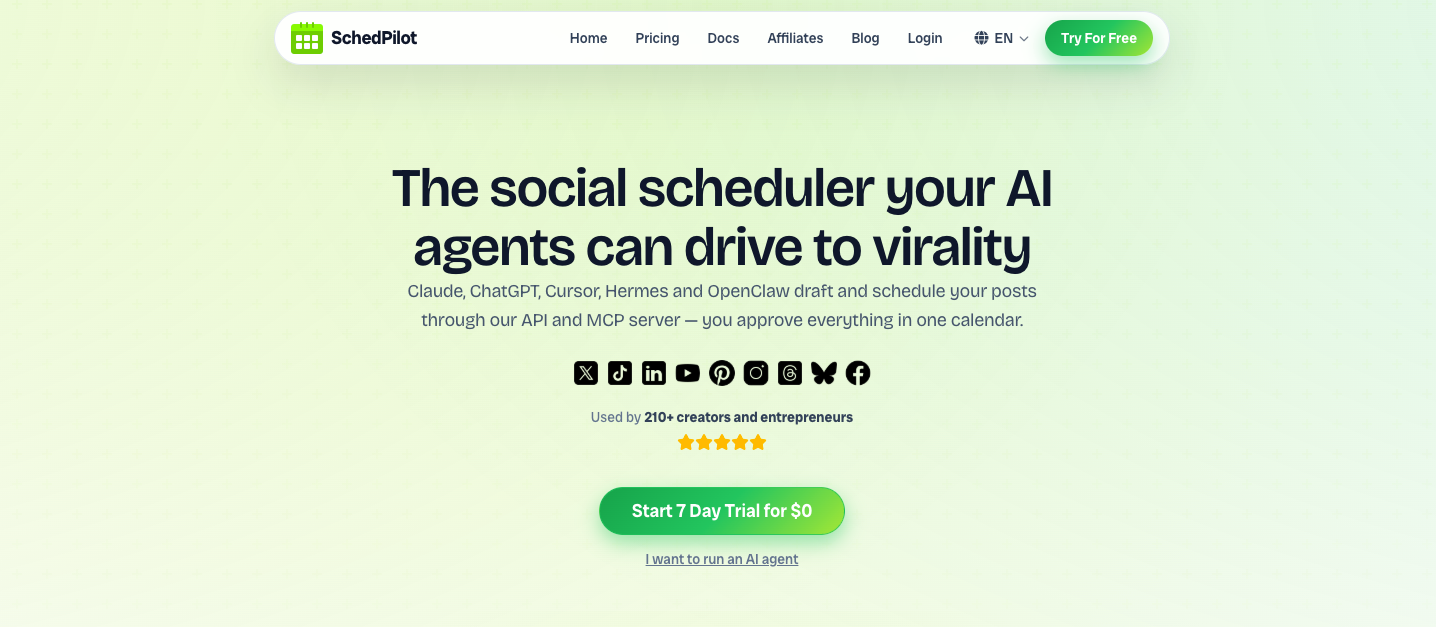
SchedPilot is a powerful and intuitive social media scheduling tool built for creators, agencies, and small businesses.
It covers 9 networks: Instagram, TikTok, LinkedIn, X (Twitter), YouTube, Facebook, Threads, Pinterest, and Bluesky — all from a sleek visual calendar where you can plan social media posts for one brand or a whole roster of clients.
What makes SchedPilot genuinely different is its AI-agent layer: it ships with a REST API and MCP server, so Claude, ChatGPT, Cursor, or your n8n workflows can draft and schedule posts for you in plain language — while every post still lands in your calendar for one-click human approval before it goes live. No other scheduler on this list offers that.
Beyond the agent features, you get a dedicated TikTok scheduler, LinkedIn scheduler, Instagram scheduler with first-comment and hashtag sets, a YouTube & Shorts scheduler, a built-in video/UGC editor for Reels and Shorts, best-time-to-post insights, analytics with client reports, and agency workspaces with roles and approvals.
Pros:
- Intuitive UI, fast performance, and a visual calendar across all 9 networks
- AI agents can draft & schedule via MCP server and social media scheduling API — with human approval before publishing
- Built-in video/UGC editor, AI captions, bulk CSV scheduling, and best-time insights
- Agency workspaces, roles, approval workflows, and client reporting
- Affordable pricing starting at just $21/month with a 7-day free trial
- ideal for solo creators, small agencies, small businesses
Cons:
- Still expanding integrations for niche platforms
- No native mobile app yet
- Newer to the market than legacy tools
Pricing: From $21/month. 7-day free trial, no payment upfront.
All in all, SchedPilot lets you post to multiple social networks at once and manage everything from a single dashboard — and it’s the cheapest full-featured social media scheduler on this list by a wide margin.
2. Buffer — best for beginners
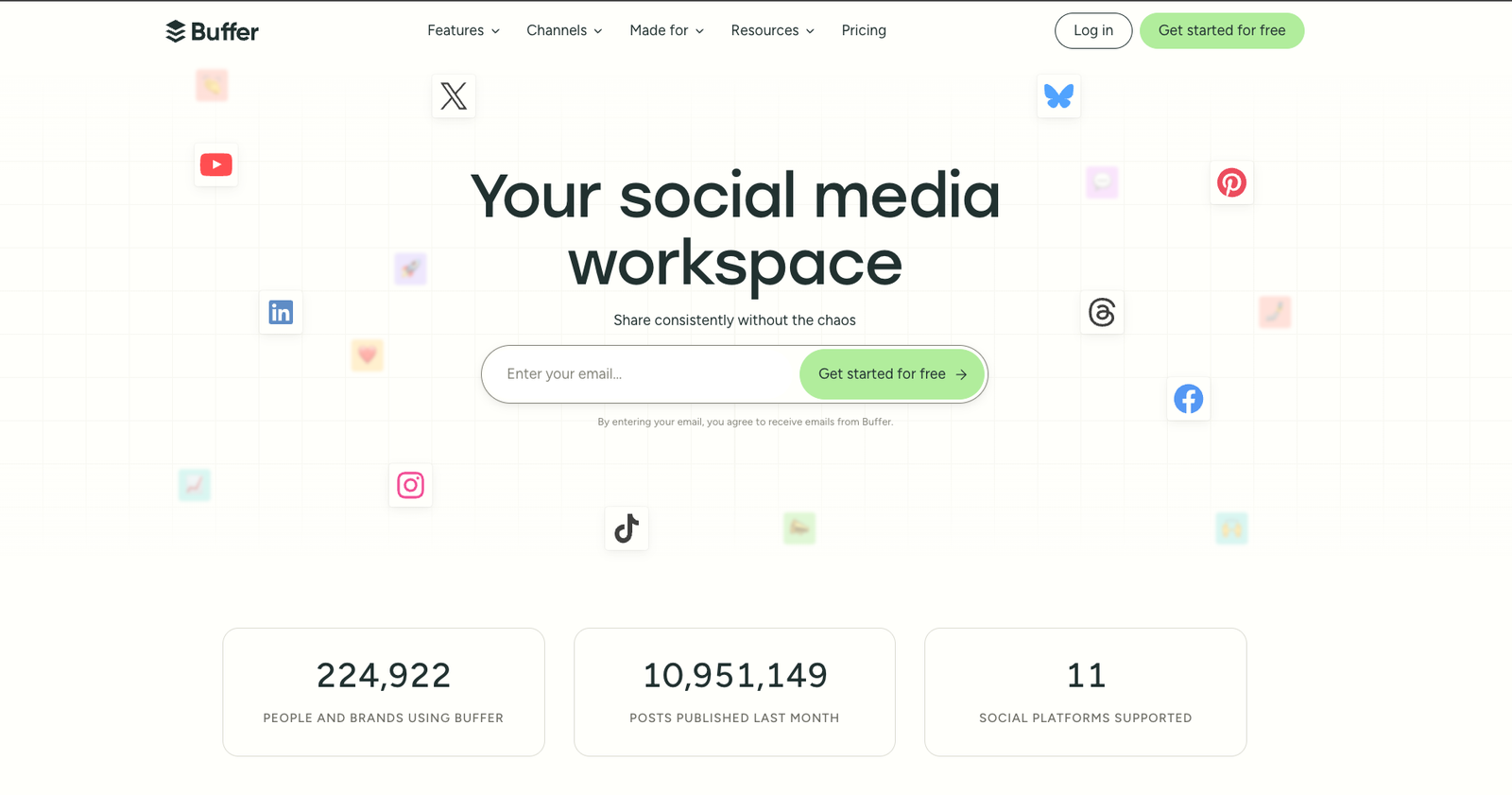
Buffer remains one of the most popular social media scheduling tools, known for its clean interface and simple queue-based workflow. It works well for solopreneurs and small businesses who want straightforward scheduling of social media posts across Facebook, X, LinkedIn, Pinterest, and Instagram, with basic analytics and a handy browser extension. If Buffer’s per-channel pricing starts adding up, we’ve covered the best Buffer alternatives separately.
Pros:
- Clean, easy-to-use interface with queue-based scheduling
- Browser extension for quick sharing
- Free plan available (up to 3 channels)
- Supports team collaboration on higher tiers
Cons:
- Per-channel pricing gets expensive as you add accounts
- Limited analytics on the free plan
- Instagram scheduling can be restrictive
- Fewer automation options than newer tools
Pricing: Free plan; paid plans from around $6/month per social channel.
3. Hootsuite — best for enterprise teams
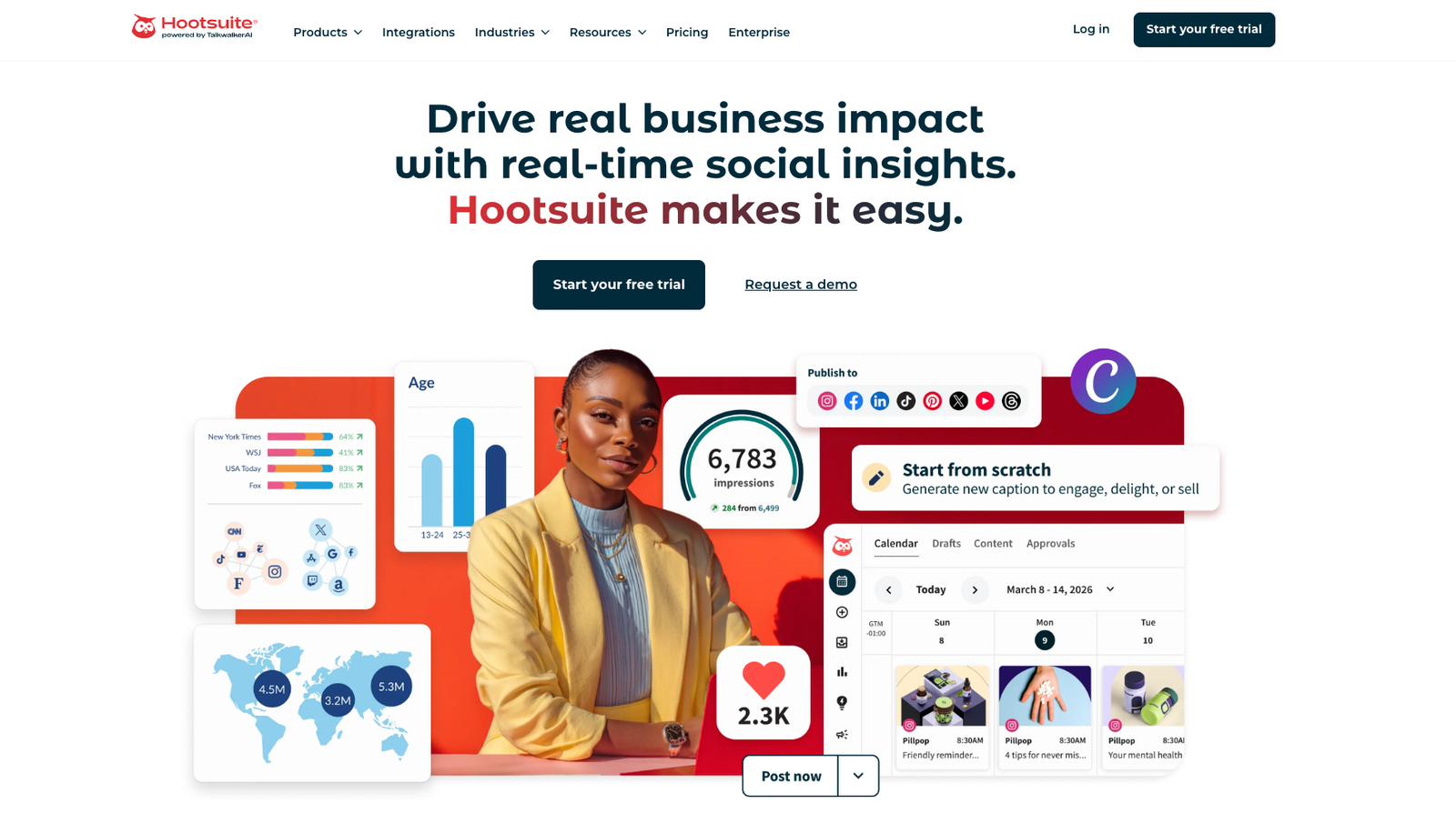
Hootsuite is a comprehensive social media management platform used by enterprises and large teams. It supports 20+ networks, multiple users, and offers advanced analytics, social listening, and approval workflows. It’s more than a post scheduler — it’s a full-scale social media command center, including a solid Twitter/X scheduler. The catch: Hootsuite’s pricing has climbed steeply in recent years, which is why smaller teams increasingly look at Hootsuite alternatives.
Pros:
- Extensive platform integrations
- Advanced analytics, reporting, and social listening
- Team workflows and approvals
- Battle-tested at enterprise scale
Cons:
- Expensive — entry plans start around $99–199/month
- Steeper learning curve and a cluttered interface
- Extra fees for some features
Pricing: From roughly $99/month, billed annually.
4. Later — best for visual Instagram-first brands
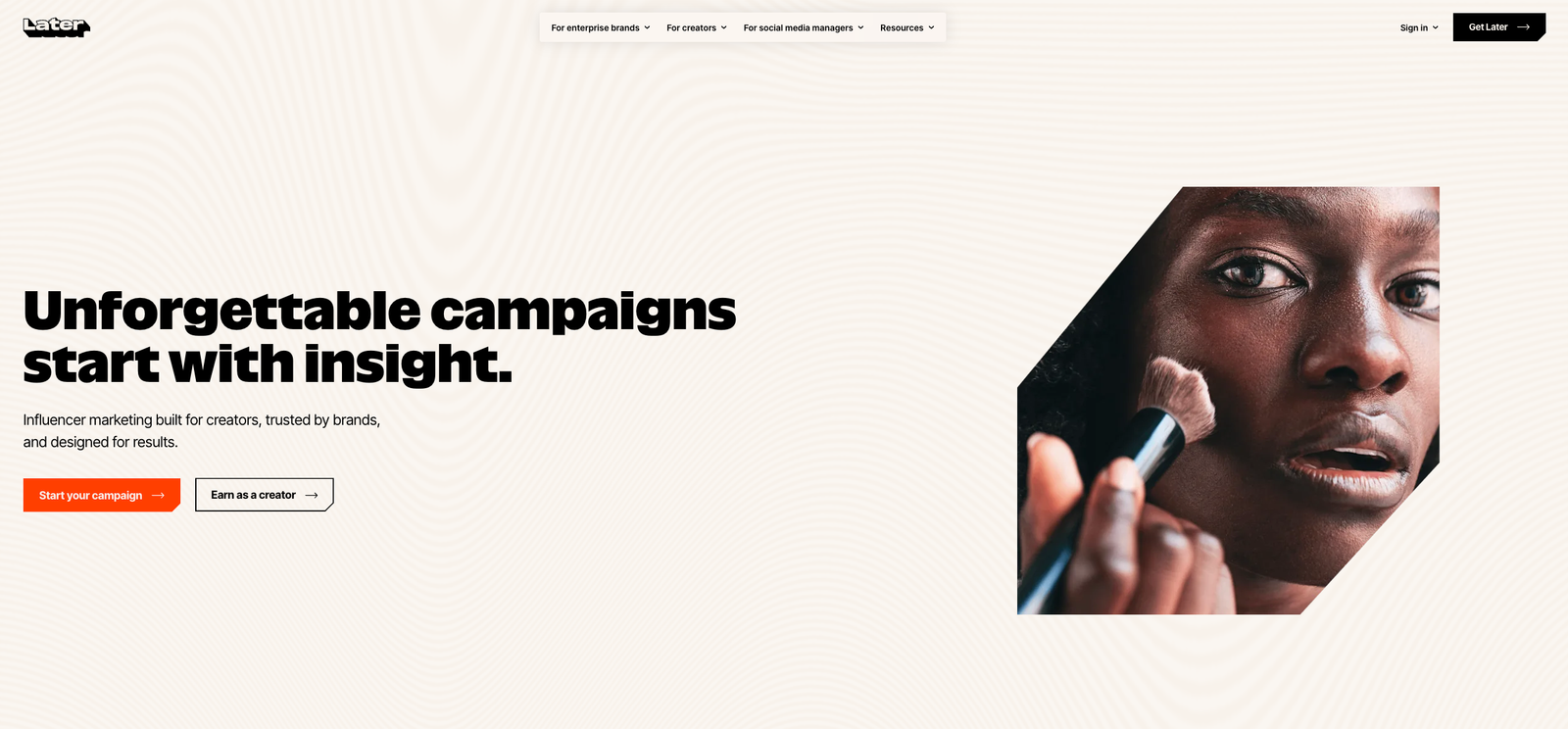
Later is a social media planner focused on visual content, making it especially strong as an Instagram post planner. Its drag-and-drop calendar and media library let you preview exactly how your feed will look before anything publishes, and its link-in-bio tool turns your profile into a mini landing page. Ideal for brands built on visual storytelling.
Pros:
- Visual feed planner with drag-and-drop calendar
- Easy to use, great for Instagram and Pinterest
- Link-in-bio tool included
- Free plan for individuals
Cons:
- Weaker on TikTok, X, and LinkedIn
- Meaningful analytics locked to higher plans
- Limited automation features
Pricing: Limited free plan; paid plans scale with social sets and users.
5. Sprout Social — best premium all-in-one platform
Sprout Social combines publishing, analytics, engagement, and CRM features into one polished platform. Its unified inbox, deep reporting, and human support on every plan make it a favorite of larger organizations that treat social as a revenue channel. For everyone else, the price tag is the main obstacle — you can genuinely spend more on Sprout than on a freelancer.
Pros:
- Best-in-class analytics and reporting
- Unified inbox for engagement across channels
- CRM and customer-care features
- Strong human support on all plans
Cons:
- Very expensive — entry plans start around $199–249/user/month
- Overkill for solo creators and small teams
- Annual billing requirements on some plans
Pricing: From roughly $199/user/month.
6. SocialBee — best for evergreen content recycling
SocialBee is built around categorized content queues: you sort posts into buckets (tips, blog promos, offers), set a posting schedule per category, and SocialBee keeps recycling your evergreen content automatically. It’s a smart approach for solopreneurs who want consistent activity without constantly creating new posts — one of the top benefits of automating your social media posts.
Pros:
- Categorized content queues
- Evergreen content recycling
- Supports all major platforms
- Customizable posting schedules
Cons:
- Interface feels dated
- Initial setup takes time
- Limited analytics on lower tiers
Pricing: Mid-range monthly plans; free trial available.
7. ContentStudio — best for content discovery
ContentStudio blends social media scheduling with content discovery — it surfaces trending content in your niche and offers AI-powered suggestions, which makes filling a content calendar much faster. With workflow approvals and multi-client management, it’s a solid pick for agencies that curate as much as they create.
Pros:
- AI content suggestions and discovery tools
- Workflow approval systems
- Good multi-client management for agencies
Cons:
- Learning curve for beginners
- Dense UI
- Full reporting locked behind higher tiers
Pricing: Mid-range monthly plans; free trial available.
8. Zoho Social — best for Zoho users
Zoho Social is part of the wider Zoho suite, which is its biggest selling point: if your business already runs on Zoho CRM, the integration between social activity and sales tracking is genuinely useful. It’s an affordable, user-friendly scheduler for small businesses managing multiple brands.
Pros:
- Affordable for small teams
- Real-time monitoring and engagement
- Tight CRM integration
- Good mobile app
Cons:
- Limited analytics on lower tiers
- UI can feel slow
- Weaker fit for individual creators
Pricing: Budget-friendly monthly plans; free trial available.
9. Planable — best for team approval workflows
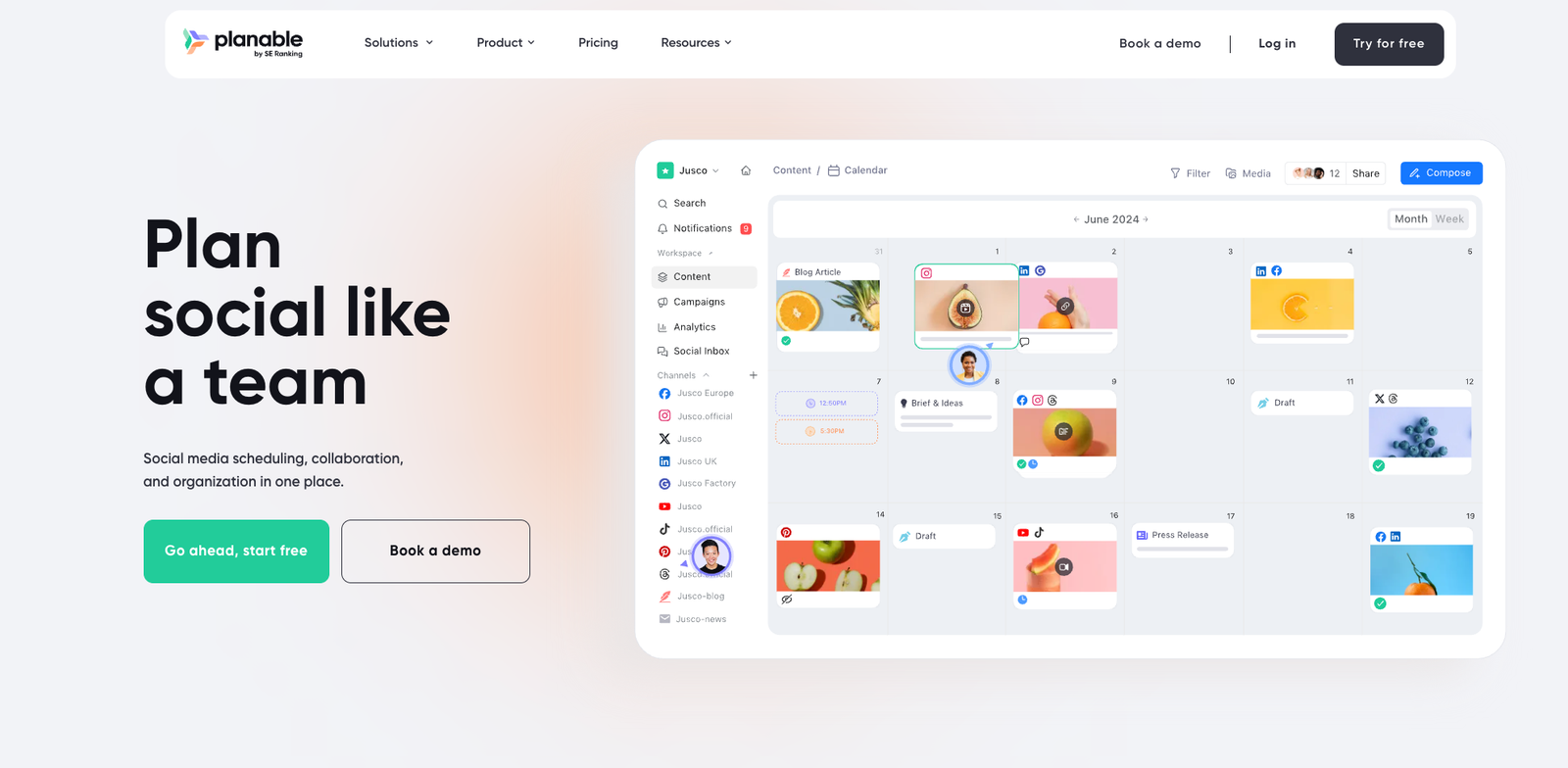
Planable is a collaborative social media planner built for content teams and marketing departments. Its visual post previews, real-time comments, and one-click approval flows make client sign-off painless — stakeholders can review posts exactly as they’ll appear, without logging into anything complicated.
Pros:
- Excellent collaboration and approval workflows
- Pixel-accurate visual post previews
- Intuitive drag-and-drop calendar
Cons:
- Less compelling for solo users
- Pricing scales quickly with team size
- Limited analytics
Pricing: Limited free plan; paid plans priced per user.
10. Publer — best for bulk scheduling on a budget
Publer is a rising star in the social publishing space, offering flexible scheduling, link shortening, watermarking, and CSV bulk uploading. It supports nearly every major platform and hits a sweet spot between affordability and functionality for power users who schedule in large batches.
Pros:
- Bulk post scheduling via CSV
- Link shortener with click analytics
- Team collaboration support
- Affordable pricing
Cons:
- UI can feel technical
- Limited integrations beyond core platforms
- No CRM features
Pricing: Limited free plan; affordable paid tiers.
11. MeetEdgar — best for set-and-forget automation
MeetEdgar focuses on automation and evergreen recycling: it builds a library of your content, then automatically re-queues posts to keep your feeds active indefinitely. If you want a scheduler you configure once and rarely touch again, Edgar is the classic pick.
Pros:
- Automatic content recycling
- True hands-off scheduling
- Supports most major platforms
Cons:
- Limited analytics
- Higher starting price than comparable tools
- Lacks team collaboration features
Pricing: Mid-range monthly plans; free trial available.
12. Velocity – best for marketing teams and agencies creating on-brand social content
Velocity is an AI social media agent for marketing teams and agencies. It turns campaign briefs into on-brand
social posts and visuals, while keeping human review, scheduling, and publishing connected in one workflow.
Pros:
- AI social media agents turn campaign briefs into on-brand posts and visuals.
- Brand Identity helps keep campaign output aligned with each brand.
- Human review stays connected to scheduling and publishing.
- Free plan available with 15 scheduled posts that refill anytime.
Cons:
- A weaker fit if you only need a basic queue for occasional posts.
- The Free plan has a limited quota for AI social media agents.
- Best suited to teams that already work from campaign briefs and brand guidance.
Pricing: Velocity’s Free plan is free forever, with a limited quota for AI social media agents, 15 scheduled
posts that refill anytime and 1 Brand Identity, without needing a trial period or a card.
All in all, Velocity is a strong choice for marketing teams and agencies that want AI social media agents to
turn campaign briefs into on-brand content before it moves through review, scheduling, and publishing.
Which social media scheduler is right for you?
It depends on how you work:
- You want the most features for the least money (and AI agents that post for you): SchedPilot, from $21/month.
- You’re a beginner with 2–3 accounts: Buffer’s free plan is enough to start.
- You’re an enterprise with budget: Hootsuite or Sprout Social.
- You live on Instagram: Later — or SchedPilot’s Instagram scheduler if you also post elsewhere.
- You need client approvals above all: Planable.
- You recycle evergreen content: SocialBee or MeetEdgar.
- You have 50-100 accounts and want to be affordable: Schedpilot $99/month covers 100 accounts, unlimited posts for MCP, API and traditional social media scheduling
- You want AI social media agents to turn campaign briefs into on-brand social posts and visuals: Velocity.
If you run an agency or manage several brands, also check our guide to the top social media management tools for small businesses.
Free trial · No upfront payment · 10+ platforms
Try SchedPilot for free
Post on 10 platforms at once. Great for influencers, marketers, agencies.
Frequently asked questions
Is there a completely free social media scheduler?
A few tools on this list (Buffer, Later, Planable, Publer) offer free plans, but they’re heavily limited — usually a handful of accounts and a small monthly post cap. For real multi-platform scheduling, expect to pay at least a few dollars a month. SchedPilot’s pricing starts at $21/month with a free 7-day trial, which is the closest you’ll get to free without the free-plan restrictions.
What is the cheapest social media scheduler?
Among full-featured tools that cover all major networks, SchedPilot is the cheapest at $5/month. Buffer looks cheap at ~$6/channel, but the per-channel model adds up fast once you connect five or six accounts.
Do scheduling tools hurt your reach?
No — as long as the tool publishes through platform-approved official APIs (every tool on this list does), scheduled posts get the same treatment as native posts. Timing matters more than the tool: use a best time to post calculator to publish when your audience is actually online.
Can AI schedule my social media posts for me?
Yes — this is the newest frontier. SchedPilot exposes an MCP server and REST API, so AI agents like Claude and ChatGPT can draft, schedule, and publish posts across all your accounts from a single prompt, with every post waiting in your calendar for approval before it goes live.
what’s the best social media scheduler for marketing agencies ?
If its a small agency then SchedPilot is the best, but if its a bigger agency that manages hundreds of customers, then you could use Sprout Social.
what is best social media scheduler for linkedin ?
Most of the tools in this listicle are good for Linkedin scheduling. If you are a small agency or a solo crator and even wanting to delegate linkedin scheduling to AI Agents, then Schedpilot is the best for this.
Try SchedPilot for free
Free trial · No upfront payment · 10+ platforms
Post on 10 platforms at once. Great for influencers, marketers, agencies.