 SchedPilot
How to Post to All Social Media at Once (3 Ways, Step by Step)
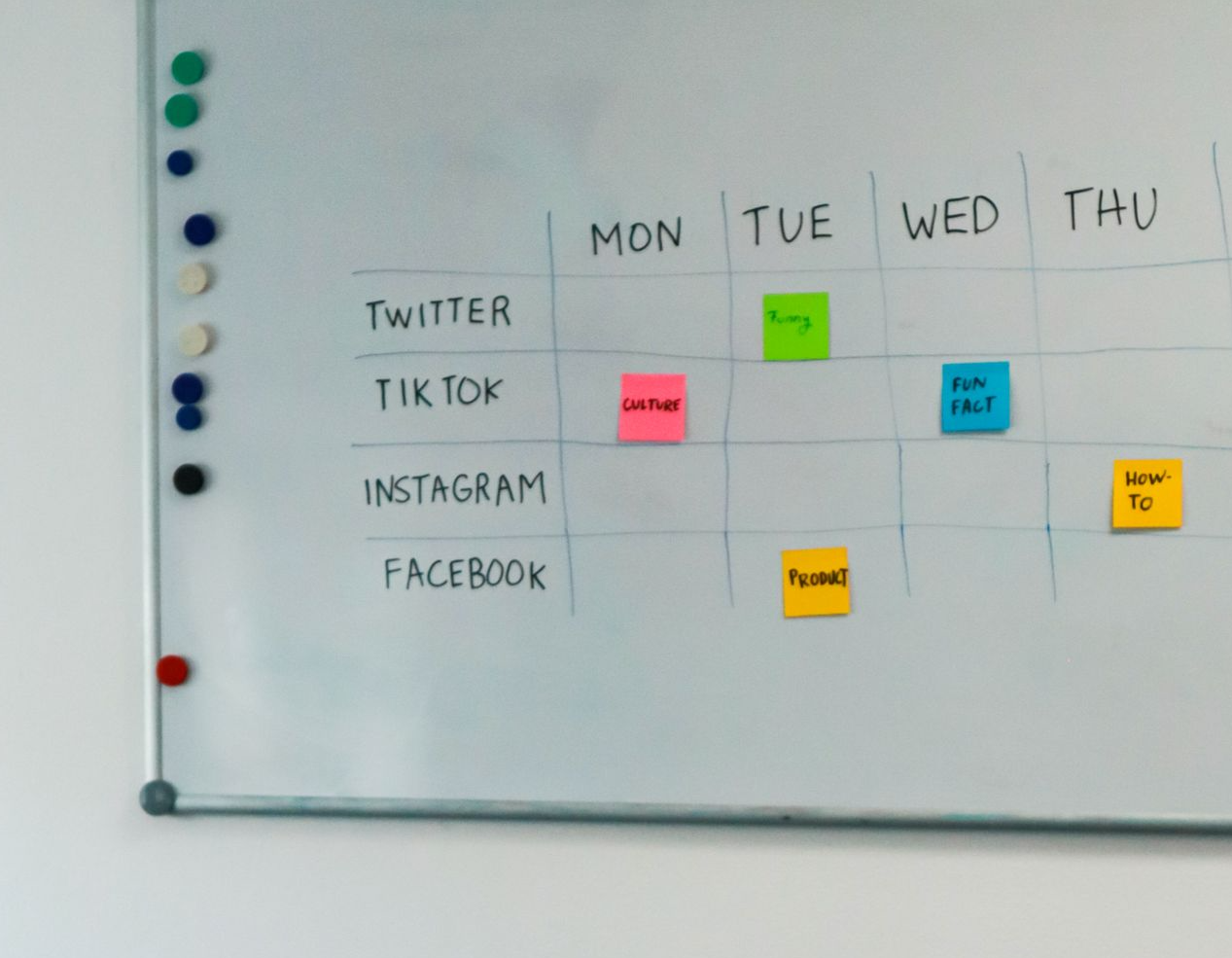
Yes, you can post to all your social media accounts at once, but not natively. Instagram, TikTok, LinkedIn, X, and the rest have no built-in feature that publishes across each other’s platforms.
To publish everywhere in one go, you create the post once in a social media management tool, select all your connected accounts, adjust each platform’s version, and hit publish or schedule.
This guide covers all three ways to do it, the full cross-posting setup, the free native shortcuts that partially work, and the manual method — plus the customization step that decides whether cross-posting saves you hours or quietly tanks your engagement.
Free trial · No upfront payment · 10+ platforms
Try SchedPilot for free
Post on 10 platforms at once. Great for influencers, marketers, agencies.
Method 1: Cross-post with a scheduling tool (the complete way)
This is the only method that genuinely covers all your platforms in one pass. Here’s the flow in SchedPilot — other schedulers work similarly:
Step 1: Connect your accounts. Link every profile you publish to — Instagram, TikTok, Facebook, LinkedIn, X, YouTube, Pinterest, Threads. You do this once; the connections stay live.
Step 2: Create the post once. Open the composer, write your caption, and upload your media. This master version is the starting point for every platform.
Step 3: Select all target accounts. Tick every profile that should receive the post. Posting the same content to five accounts is now one workflow instead of five.
Step 4: Customize each platform’s version. This is the step that separates smart cross-posting from lazy blasting — the composer shows a tab per platform, and you adjust each one (checklist below). Two minutes of edits here is the difference between native-feeling content and obvious copy-paste.
Step 5: Publish now or schedule. Post everywhere instantly, or better: schedule each platform’s version at its best time. Your Instagram audience and LinkedIn audience aren’t online at the same hour — simultaneous doesn’t have to mean same-second. A best time to post calculator gives you per-platform windows.
That’s it. For volume — a month of content, or many accounts — bulk-upload via CSV or duplicate posts across profiles rather than composing each from scratch.
Method 2: Free native options (partial coverage)
The platforms offer a few built-in shortcuts. None covers everything, but they’re free and worth knowing:
- Meta Business Suite — posts and schedules to Facebook and Instagram together. Free, official, but stops at Meta’s walls: no TikTok, LinkedIn, X, or YouTube.
- Instagram’s built-in sharing — a setting shares your IG posts, Reels, and Stories to a linked Facebook page automatically. Same Meta-only limit.
- TikTok’s auto-share — can push TikToks to connected platforms, but as links or watermarked exports, which other platforms’ algorithms tend to bury.
- Platform “share to” buttons — one-off shares that post a link to your content, not the content itself. Fine for occasional use; not a publishing system.
The honest summary: native options are worth switching on for the Meta pair, and inadequate for everything else. The moment your platform list includes TikTok or LinkedIn alongside Instagram, you’re back to Method 1 or 3.
Method 3: Manual posting (when it makes sense)
Open each app, paste, adjust, publish, repeat. For one or two platforms posted to occasionally, this is fine — no tool to learn, full access to every native feature the moment it launches (some features, like interactive stickers or collab posts, appear in native apps before management-tool APIs support them).
The math turns against it fast, though: five platforms × ten minutes × five posts a week is over four hours of copy-pasting — the exact busywork social media automation tools exist to delete. Manual is a supplement for native-only features, not a system.
The customization checklist (don’t skip this)
Cross-posting gets a bad reputation because of identical cross-posting. Each platform’s algorithm favors content that fits its conventions, and audiences notice imports. Before publishing, adjust per platform:
- Caption length and tone — short and punchy for X, conversational for Instagram, professional for LinkedIn, minimal for TikTok
- Hashtags — a handful on Instagram, one or two on LinkedIn and X, none needed on Facebook; never let an Instagram hashtag block appear on LinkedIn
- Mentions and tags — handles differ per platform; a broken @mention flags a lazy import instantly
- Media format and dimensions — vertical video travels well across TikTok, Reels, and Shorts; feed images and link previews need per-platform sizing
- Links — Instagram captions don’t support clickable links (use bio or stories); X and LinkedIn handle them inline
- CTA — match the action to the platform: “comment below” plays differently on LinkedIn than on TikTok
If you’re managing several profiles per platform on top of several platforms, this per-network adaptation is one piece of the bigger system covered in our guide to managing multiple social media accounts.
Does posting everywhere at once hurt reach?
Cross-posting itself doesn’t — unadapted cross-posting does. Platforms don’t penalize you for publishing the same idea in multiple places; they reward content that fits their format and demote content that obviously doesn’t (watermarked re-uploads being the classic case — Instagram has confirmed it reduces distribution of visibly watermarked TikTok videos).
The working rule: one idea, one media asset, adapted per platform. That gets you the time savings of posting everywhere at once and native-level performance on each network.
FAQ
Is there a free way to post to all social media at once? Partially. Meta Business Suite covers Facebook and Instagram for free, and most scheduling tools — SchedPilot included — offer free plans covering a limited number of profiles and posts. Full coverage of five or more platforms at real volume generally needs a paid plan, which costs less than the hours it replaces.
What’s the best app to post to all social media at once? Any scheduler that (a) connects every platform you actually use, (b) lets you customize each platform’s version in one composer, and (c) schedules per-platform times. Check the platform list first — TikTok and YouTube support is where cheaper tools most often fall short. We compare the options in our best social media scheduling tools guide.
Can I post to Instagram and TikTok at the same time? Yes — through a management tool connected to both. There’s no native bridge between them, and re-uploading watermarked exports hurts reach; a scheduler publishes the clean file to each.
Can I schedule posts to all platforms in advance? Yes, and it’s the better version of “at once”: compose one post, customize per platform, and schedule each version at that platform’s peak time. Everything is done in one sitting; publishing happens automatically all week.
Free trial · No upfront payment · 10+ platforms
Try SchedPilot for free
Post on 10 platforms at once. Great for influencers, marketers, agencies.
Post everywhere in one sitting
The system that works: connect everything once, compose once, spend two minutes adapting per platform, schedule at each network’s best time. What used to be an hour of app-hopping becomes a single pass in one composer.
SchedPilot connects Instagram, TikTok, Facebook, LinkedIn, X, YouTube, Pinterest, and Threads, with per-platform customization built into the composer and a free plan to start with. Connect your accounts and try one post everywhere.
Related posts
340+ Birthday Captions for Instagram: Every Age From 1 to 80, and Everyone You Love
October 28, 2026
350+ Instagram Captions for Girls to Copy and Paste, Sorted by Vibe and Photo
October 28, 2026
380+ Short Instagram Captions to Copy and Paste (Every One Under 10 Words)
October 28, 2026
Best Time to Post on Instagram in Australia (2026): Hours by Day in AEST/AEDT
October 3, 2026