 SchedPilot
Black Friday Social Media Posts for the Whole Week, Written and Scheduled in One Sitting
The Black Friday social media posts that actually sell are pretty plain: a teaser early in the week, an early-access offer for followers, a gift guide, the deal announcement on Friday morning, a stock update in the afternoon, a last call that night, then the same rhythm again for Cyber Monday. That’s 13 posts over nine days, and the full schedule with captions is below.
The part that saves your weekend is writing all 13 before Thanksgiving and scheduling them in one sitting. In SchedPilot you write each post once, tick the accounts it should go to (Instagram, TikTok, Facebook, X, LinkedIn, Pinterest, Threads, Bluesky or YouTube), set the date and time, and it publishes on its own. On Friday you answer DMs and watch stock instead of pasting captions into five apps. If you’d rather not click through 13 posts, Claude or a 20-line script can load the whole week for you.
This year Black Friday falls on November 27 and Cyber Monday on November 30, with Small Business Saturday (November 28) and Giving Tuesday (December 1) on either side.
Post in 10 Platforms at once
Free trial · Start with $0 · 10+ platforms
Social media management tool. Instagram, TikTok, Facebook, Twitter, LinkedIn and more. Great for influencers, marketers, agencies.
What the automated week looks like
Offer and dates, then one doc with 13 captions and their images, then SchedPilot (by hand, through Claude, or through the API), then every network at the times you picked. That’s the whole pipeline.
What stays manual is the stuff that should be manual anyway. Replying to comments. Changing a post when a product sells out. And Instagram Story link stickers, which Instagram doesn’t let any scheduler add (more on that further down). Everything else can be in the queue by Wednesday night.
Lock two things before you write a single caption: the exact offer, and the timezone your customers are in. The second one trips people up more than you’d think: picture a store in Chicago announcing “live now” at 7am Eastern, an hour before its own site switches the prices.
The Black Friday social media posts to schedule, day by day
Times are in your customers’ local time. Swap in your own product, code and link, and cut the LinkedIn rows if you sell to consumers.
| Day | Time | Post | Where | Example caption |
|---|---|---|---|---|
| Monday | 12:00 pm | Teaser | Instagram Story, X, Threads | Friday we’re taking 30% off everything. Turn on notifications if you’ve been waiting on the [product]. |
| Tuesday | 11:00 am | Early access sign-up | All feeds | Early access opens Thursday at 6pm for anyone on our list. Same prices, one day before everyone else. Link in bio. |
| Wednesday | 10:00 am | Gift guide carousel | Instagram, Facebook, Pinterest | Gifts under $25, $50 and $100. Screenshot the one you want and send it to whoever’s buying for you. |
| Wednesday | 7:00 pm | Behind the scenes video | TikTok, Reels, Shorts | Packing the first 400 Black Friday orders before the sale has even started. |
| Thursday | 6:00 pm | Early access is live | Instagram Story, X, Facebook | Early access is open. Code EARLY30 works until Friday 6am, then it’s open to everyone. |
| Friday | 7:00 am | Deal is live | Every account | Black Friday is live. 30% off everything until Monday at midnight. [link] |
| Friday | 1:00 pm | Best seller or stock update | Instagram, TikTok, X, Threads | The [product] is down to its last 60. Next restock is January. |
| Friday | 8:00 pm | Last call for Friday-only items | X, Threads, Instagram Story | The free gift with orders over $75 ends at midnight tonight. The 30% stays until Monday. |
| Saturday | 10:00 am | Small Business Saturday | Facebook, Instagram, LinkedIn | We’re four people and a garage. Every order this weekend goes straight into January’s payroll. |
| Sunday | 5:00 pm | Reminder | All feeds | Sale ends tomorrow at midnight. If it’s in your cart, this is your sign. |
| Monday | 8:00 am | Cyber Monday | Every account | Cyber Monday: 30% off everything plus free shipping on every order, today only. |
| Monday | 9:00 pm | Final call | X, Threads, Instagram Story, Facebook | Three hours left. After midnight prices go back to normal until next November. |
| Tuesday | 12:00 pm | Giving Tuesday thank you | All feeds | Thank you. You placed 1,212 orders this weekend, and $1 from each one goes to [charity] today. |

A few of these choices are deliberate. The deal post goes out at 7am so it’s sitting at the top of your profile before people start comparing tabs, not because 7am is a magic hour. If you already know when your audience is online, use that; our best time to post calculator gives a decent starting point if you don’t.
The Friday 1pm stock update is the post most stores skip, and it’s the only one that day with actual news in it. “Down to the last 60” is news. “30% off” was news at 7am.
And the Giving Tuesday post only works if the number in it is real. Leave a placeholder, then edit the scheduled post on Tuesday morning with the actual order count.
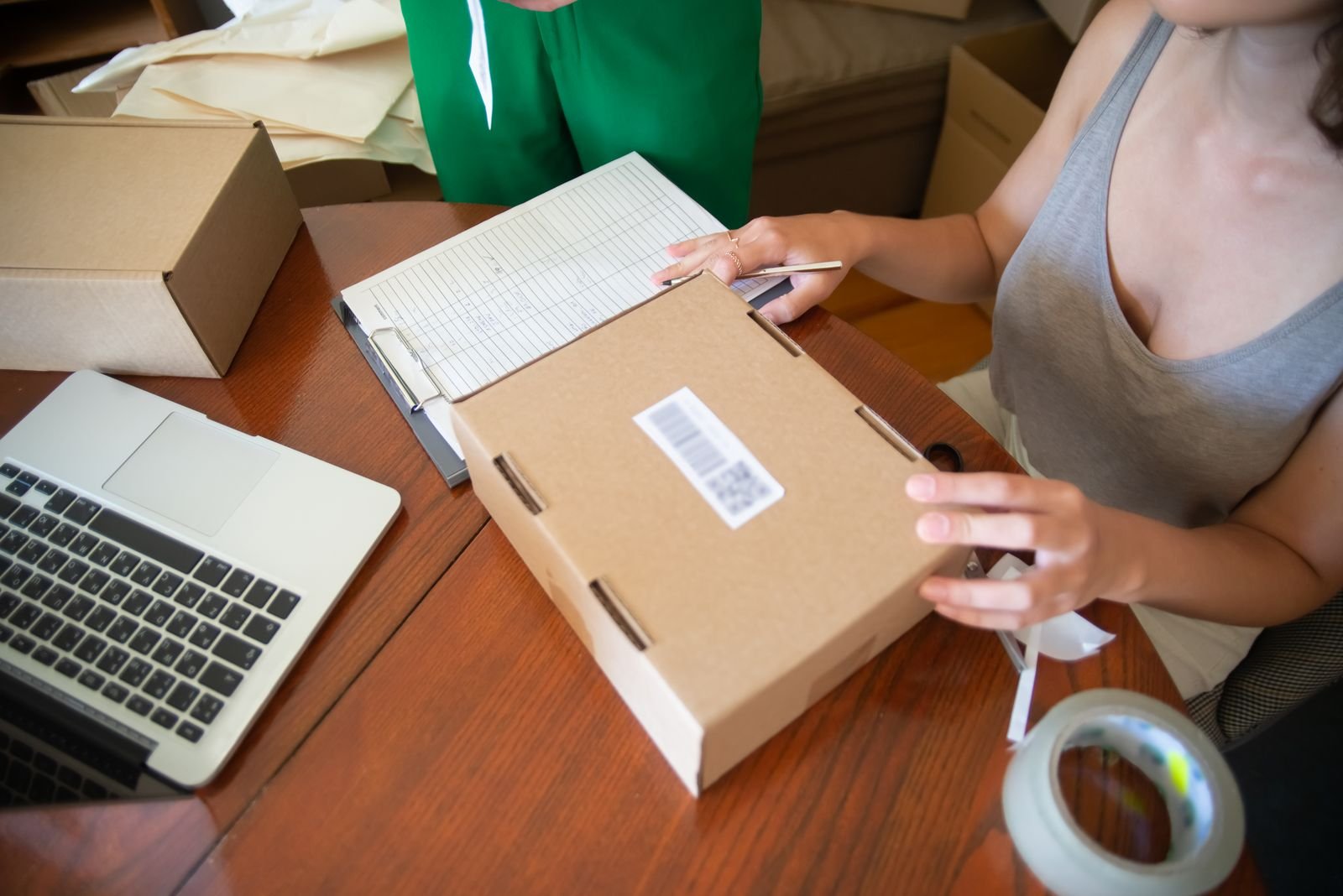
How to schedule the whole week in SchedPilot
- Connect your accounts on the Social Accounts page. You need a plan or a running trial for this; the 7-day trial costs $0 today (a card is required, and nothing is charged during the trial).
- Upload your images and videos to the Media Library first, so you aren’t hunting for files halfway through.
- Open Create Post, write the caption, tick every account it should go to, attach the image and set the date and time. Repeat 12 more times. For X you can add reply tweets under the main one, which is a good place for the fine print.
- Schedule the TikTok and Instagram Story posts from their own screens, because they have settings the general composer doesn’t (covered in the platform section below).
- Open the Calendar and read the week top to bottom. You’re checking dates and timezones, not commas.
On Friday morning, glance at the Failed page once. If a platform rejected something (an expired login, a video in the wrong format) it shows up there, and you’d much rather find out at 7:05 than at noon.
Load all 13 posts at once with Claude or the API
Clicking through 13 posts is fine. Clicking through 13 posts for three brands is where people give up. Two faster routes:
With Claude (MCP)
In Claude, add a custom connector with the URL https://api.schedpilot.com/mcp and sign in to SchedPilot when it asks. Then paste a prompt like this one, with your own captions and image links:
Use SchedPilot. All times are America/New_York.

1. Call get_accounts and use my Instagram, Facebook, X and Threads accounts.
2. Upload these images with upload_media:
   https://example.com/bf/teaser.jpg
   https://example.com/bf/deal-live.jpg
   https://example.com/bf/cyber-monday.jpg
3. Schedule each post below with create_post, one call per post,
   to all four accounts unless the line says otherwise:

Mon Nov 23, 12:00 | teaser.jpg | Friday we're taking 30% off everything. Turn on notifications.
Fri Nov 27, 07:00 | deal-live.jpg | Black Friday is live. 30% off everything until Monday at midnight. shop.example.com
Fri Nov 27, 13:00 | no image | X and Threads only | The [product] is down to its last 60. Next restock is January.
Mon Nov 30, 08:00 | cyber-monday.jpg | Cyber Monday: 30% off plus free shipping, today only.

4. When you're done, call list_posts for Nov 23 to Dec 1 and show me
   a table of date, time, accounts and the first line of each post.
The last step matters. Read Claude’s table before you close the chat, because it’s the fastest way to catch a post that landed on the wrong day.
With the REST API
Get your key from API Access in the app, then call GET /developers/v1/accounts once to find your account IDs. One post looks like this:
curl -X POST https://api.schedpilot.com/developers/v1/post -H "X-API-KEY: YOUR_KEY" -H "Content-Type: application/json" -d '{
    "content": "Black Friday is live. 30% off everything until Monday at midnight. shop.example.com",
    "date": "2026-11-27",
    "time": "07:00",
    "timezone": "America/New_York",
    "accounts": [
      { "id": 12, "type": "instagram" },
      { "id": 17, "type": "facebook" },
      { "id": 23, "type": "twitter" }
    ],
    "attachments": ["image-101"],
    "replies": ["Free shipping over $50. Excludes gift cards."]
  }'
For the whole week, put the posts in an array and loop. Save this as schedule.mjs and run it with node schedule.mjs (Node 18 or newer):
const API = "https://api.schedpilot.com/developers/v1/post";
const KEY = process.env.SCHEDPILOT_KEY;
const accounts = [
  { id: 12, type: "instagram" },
  { id: 17, type: "facebook" },
  { id: 23, type: "twitter" },
];

const posts = [
  { date: "2026-11-23", time: "12:00", content: "Friday we're taking 30% off everything.", attachments: ["image-100"] },
  { date: "2026-11-27", time: "07:00", content: "Black Friday is live. 30% off until Monday at midnight.", attachments: ["image-101"] },
  { date: "2026-11-27", time: "13:00", content: "Down to the last 60 of our best seller. Restock is January." },
  // ...the rest of the week
];

for (const p of posts) {
  const res = await fetch(API, {
    method: "POST",
    headers: { "X-API-KEY": KEY, "Content-Type": "application/json" },
    body: JSON.stringify({ ...p, timezone: "America/New_York", accounts }),
  });
  console.log(p.date, p.time, res.status, await res.text());
  await new Promise((r) => setTimeout(r, 2000)); // stay well under the rate limit
}
Each call can target as many accounts as you want, so 13 posts is 13 requests whether you post to two networks or nine. A 202 response means it’s queued. The full field list is in the API docs.
Platform rules that bite on Black Friday

Instagram is the one with the most gotchas. Links in captions aren’t clickable, so “link in bio” is still the move for feed posts. Story link stickers are worse: Instagram’s API doesn’t let any scheduler add them, SchedPilot included. Scheduled Stories go out as plain images or videos. So either put the URL on the image itself, or post your two most important Stories (the 7am deal and the Monday final call) by hand from your phone with the sticker.
On TikTok, a post that promotes your own sale should be disclosed. In SchedPilot’s TikTok screen, switch on “Disclose video content” and tick “Your brand”. TikTok then labels it as promotional content, and branded posts have to be public, so the app switches visibility for you if you’d set it to private.
X gives you 280 characters. Put the offer in the main post and the exclusions in a reply underneath, which SchedPilot can schedule as part of the same post.
Pinterest is slow. Pins can take weeks to pick up search traffic, so pins you schedule this week will mostly earn on Cyber Monday and long after. If you’re reading this in October next year, get the gift guide pins up first.
On Facebook, skip the “comment DEAL and we’ll send you the code” posts. Meta has demoted that kind of engagement bait for years, and on the one weekend you most need reach it’s a bad trade. Post the code in the caption.
LinkedIn only makes the list if you sell to businesses. If you do, a short document carousel of the offer works better there than a promo graphic, and SchedPilot can post LinkedIn carousels too.
One opinion, since everyone asks: don’t post more than three times to any feed on Black Friday itself. Stories and X can take more. Feeds can’t, and a fourth “SALE IS LIVE” post in the same day mostly teaches people to mute you.
Other ways to build this
If your posts already live in a spreadsheet or your store sends a webhook when a sale starts, you can wire the same schedule through an automation tool instead: see n8n social media automation, automating social media with Make, or connecting Claude to social media for the agent route. Developers can go straight to the SchedPilot social media API. For a wider look at the tools, our list of social media automation tools compares the options, and how to post to all social media at once covers the basics of cross-posting.
Black Friday social media FAQ
When should you start posting about Black Friday?
The Monday of Thanksgiving week is the latest sensible start for teasers. Pinterest is the exception: gift guide pins should go up weeks earlier, because they take time to show up in search.
How many times should you post on Black Friday?
Three feed posts is plenty: the deal in the morning, a stock or best-seller update in the afternoon, and a last call in the evening. Stories and X can handle a few more.
Can you schedule Instagram Stories for Black Friday?
Yes. SchedPilot schedules Stories with an image or video, but no scheduler can add a link sticker through Instagram’s API. Post the Stories that need a clickable link by hand.
Should you post the same Black Friday post on every platform?
Same offer, different wording. Keep X short with the details in a reply, put the link in your bio for Instagram, and give TikTok a video instead of the promo graphic. In SchedPilot you can write one post for most networks and a separate one where the format needs it.
Want this week off your plate? Start SchedPilot for $0, connect your accounts, and load the schedule tonight. It’s a 7-day free trial: a card is required, nothing is charged during the trial, and you can cancel before it ends. Plans start at $29 a month, or $21 a month billed yearly.
Related posts
Zapier Social Media Automation: Schedule Posts to 9 Networks From One Zap
November 22, 2026
How to Repurpose YouTube Videos Into Shorts, Reels and TikToks (Automatically)
November 22, 2026
Podcast Clipping on Autopilot: One Episode, a Week of Shorts, Reels and TikToks
November 22, 2026
How to Auto Post Twitch Clips to TikTok, Shorts and Reels After Every Stream (Kick Too)
November 22, 2026